 DomCop
What is domain expiration monitoring, and is it really necessary?
Yes, it is. Domain expiration monitoring helps make sure your domain name does not lapse unexpectedly. Your domain is the digital address of your business, and if it expires, your website can go offline without warning. That can mean lost sales, broken links, damaged credibility, and even the risk of someone else registering your brand name.
Domain expiration monitoring uses automated tools to track your domain’s renewal date and alert you before it expires. This removes the need to remember renewal deadlines manually and gives you peace of mind that your online presence stays active.
In this guide, you will learn how domain expiration monitoring works and how to set it up so your website remains secure and accessible at all times.
What is Domain Expiration Monitoring?
Domain expiration monitoring is a service that tracks the registration status of your domain name. Every domain is registered for a set period, such as one or two years. If you do not renew it, the domain will eventually become available for anyone to buy.
A monitoring tool keeps a constant watch on this timeline. For example, if you own “mybusiness.com,” a tool like UptimeRobot or Site24x7 will track exactly how many days are left until it expires. It acts as an external check to ensure you do not lose ownership of your web address due to missed emails from your registrar or an expired credit card on file.
Other popular tools for this include Better Stack and StatusCake, which specialize in sending alerts before the deadline.
Why is it Important To Monitor Your Domain?
Monitoring your domain is vital because the consequences of a lapsed registration are severe. When a domain expires, your website and professional email accounts stop working immediately. This can damage your brand credibility and result in financial loss.
Furthermore, once a domain enters the redemption period or becomes available for public purchase, domain squatters may buy it. These individuals often charge high prices to sell the name back to the original owner.
Monitoring offers an extra layer of security to protect your digital identity from these risks. It ensures you are not caught off guard if your registrar’s auto-renewal fails or if you lose access to the primary email address associated with your account.
How does Domain Expiration Monitoring work?
Domain expiration monitoring works by automatically checking your domain at regular intervals to find the expiration date. The system runs scheduled lookups to collect important details about the domain’s status and renewal date.
This information comes from the domain registrar, often via services like Whois, which tracks the domain’s status. Consistent checks help identify potential issues early rather than after a problem occurs.
When the expiration date falls within a defined timeframe, such as 60 or 30 days before it expires, the system sends alerts. These notifications give the right people enough time to renew the domain and prevent downtime or disruption.
How to Set Up Domain Expiration Monitoring
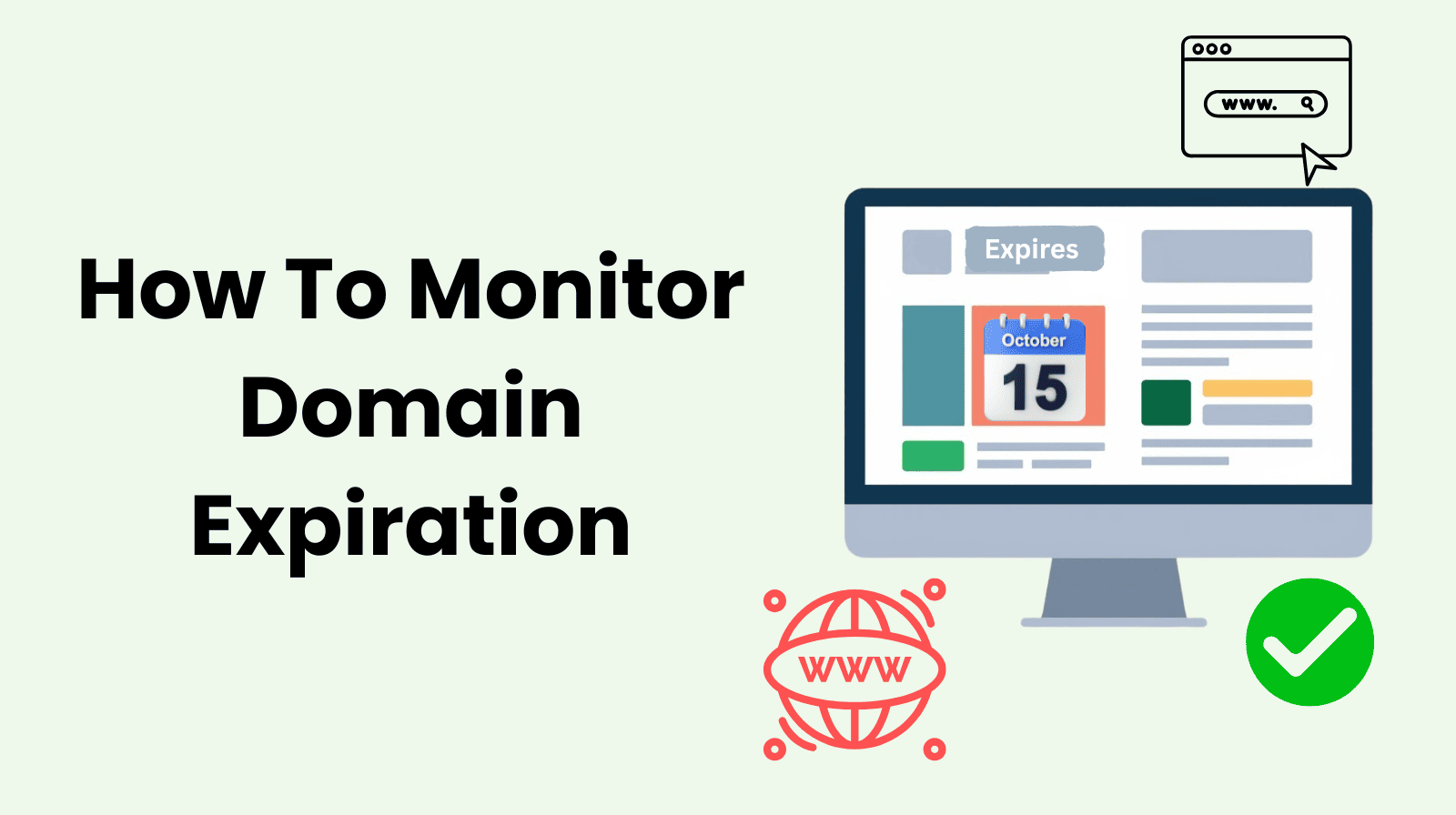
Monitor your domain’s expiration date and set up early alerts so you have plenty of time to renew it before it lapses. A domain monitoring service makes this process simple and reliable. Below is a step-by-step look at how to use one effectively.
1. Choose a domain monitor tool.
Start by selecting a monitoring service you can rely on. There are many options available, each offering different features and pricing. Tools such as UptimeRobot, Pinger Man, and Site24x7 are commonly used for this purpose.
When deciding, think about how many domains you need to monitor and how you want to receive alerts, such as email, SMS, or app notifications.
2. Add the domains you want to monitor.
Once you have set up an account, head to the domain monitoring dashboard and add the domains you want to track. Most platforms make this easy with an “Add New” option where you simply enter the domain name. The tool will then automatically pull the current registration and expiration details for you.
3. Choose how you want to receive alerts.
Notifications are what make domain monitoring effective, so it is important to set them up properly. Most monitoring tools let you choose how and where you want to be alerted, depending on what works best for you or your team.
Common notification options include:
- Email alerts, which send renewal reminders directly to your inbox
- SMS messages or voice calls for immediate, high-priority notifications
- Webhook integrations, which allow alerts to flow into tools like Slack or Microsoft Teams so you can manage notifications alongside other workflows
Once selected, save your preferences so alerts are sent automatically when needed.
4. Set up ongoing monitoring and basic maintenance.
Domain monitoring should not be a one-time setup. Using your monitoring tool regularly adds an extra layer of protection and helps prevent issues from slipping through the cracks.
Good practices include:
- Occasional manual checks to confirm the expiration details and ensure the information is accurate.
- Automated status reports sent by email on a daily, weekly, or monthly basis, depending on your needs.
- Backup contacts, which allow alerts to be sent to multiple team members, so renewal reminders are not missed if someone is unavailable or leaves the organization.
Together, these steps help ensure your domain stays protected and properly managed at all times.
Benefits of Domain Expiration Monitoring
Domain expiration monitoring gives more than a simple renewal reminder. It helps you maintain complete control over your digital assets without the need for constant manual checks. Below are the primary benefits of implementing domain expiration monitoring.
Avoid Downtime and Disruptions
Domain expiration tracking enables website owners to swiftly renew their domains with the help of alerts. This proactive strategy helps to maintain ongoing website accessibility by averting outages and interruptions to online services.
When your domain stays active, your customers can always reach your site, and your business operations continue without pause.
Protect Brand Reputation
Website owners can preserve active domains and maintain brand consistency and user trust by receiving advanced notice. If a visitor tries to access your site and sees a “domain expired” page, it looks unprofessional and suggests the business is no longer active. Sustaining business success over time requires maintaining a positive internet reputation through a reliable online presence.
Improving SEO Performance
Problems with domain expiration can have a detrimental effect on SEO ranks. If a domain expires and the site goes down, search engines like Google may remove your pages from their search results.
Domain expiration monitoring makes sure website owners are notified before the domain expires, so they can take appropriate action and maintain their search engine ranking. Long-term SEO success depends on proactive domain management.
Prevent Unauthorized Domain Transfers
Domain monitoring tools often keep an eye on changes in a domain’s registration status. If an unauthorized transfer or change of ownership is attempted, the system can notify you right away. These early warnings help you act quickly and add an extra layer of protection against domain hijacking or unwanted changes to control.
Financial Savings
When a domain expires, you often have to pay late fees or redemption fees to get it back, which are much higher than standard renewal costs. If the domain is sold to a third party, buying it back can cost you thousands of dollars. Domain expiration monitoring helps you avoid these unnecessary expenses by making you pay the standard renewal rate on time.
Domain Expiration Monitoring Tools (Free + Paid)
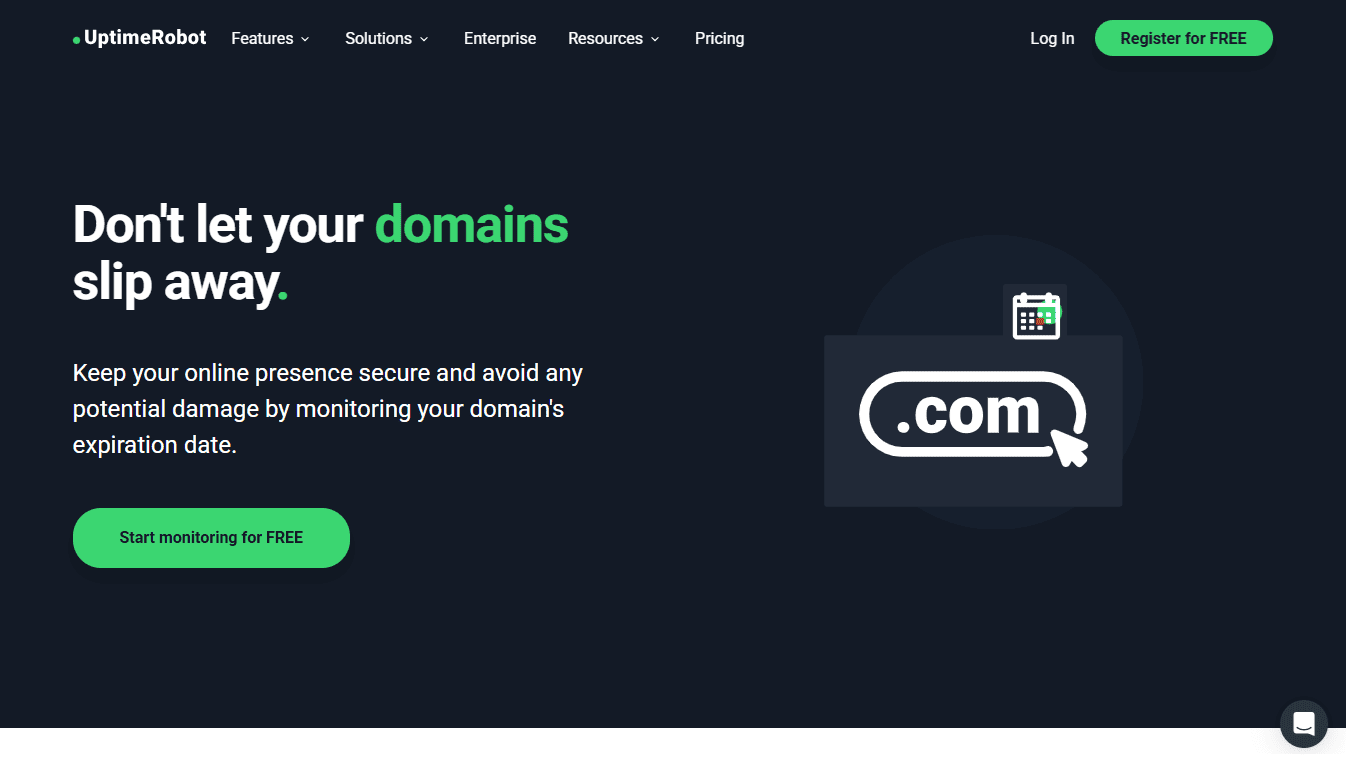
Domain Expiration Monitoring Tool UptimeRobot
Choosing the right domain expiration monitoring tool depends on the number of domains you manage and the level of detail you need. Here are some of the most reliable options available:
Free Monitoring Tools
These are ideal for small business owners or individuals with one or two domains.
- UptimeRobot (Free Plan): One of the most popular choices. Its free tier allows you to monitor up to 50 items. While primarily focused on uptime, it includes basic domain expiration alerts that notify you as the expiration date approaches.
- Site24x7 (Free Tools): They offer a web-based “Domain Expiry Checker” where you can manually plug in your URL to see the exact days remaining. It provides registrar info and IP addresses at no cost.
- StatusCake (Free Tier): It provides a “free for life” plan with basic monitoring. It is very user-friendly for beginners who want a simple dashboard to view their domain status.
- Whois.com: While not an automated alert system, this is the standard manual tool. You can search any domain to see its public “Whois” record, which includes the official expiration date.
Paid Monitoring Tools
Paid services are better for agencies or large companies that manage dozens or hundreds of domains and need guaranteed alerts.
- Better Stack (formerly Better Uptime): This tool is built for teams. It provides advanced on-call scheduling, meaning if a domain is expiring, it can alert specific team members via phone calls, Slack, or SMS until someone acknowledges the task.
- Watchman Tower: This service specializes specifically in domain portfolios. It centralizes domains from different registrars into a single dashboard and sends “risk alerts” based on how close they are to expiration.
- Hexometer: This tool uses AI to scan your website for various issues, including domain and SSL certificate expiration. It is a more comprehensive health-monitoring tool for serious businesses.
- Markmonitor: This is an enterprise-level solution used by large corporations. It focuses on brand protection and high-security domain management to prevent hijacking or accidental loss of high-value assets.
How to Check Domain Expiry Date?
If you want to manually verify when your domain is set to expire, there are several simple ways to do so. These methods allow you to see the exact date registered in the official database.
Use a Whois Lookup Tool
The most common way to check a domain’s expiration date is by using a Whois search. Every domain has a public record that includes its registration and expiration details. You can visit sites like Whois.com or ICANN Lookup, enter your domain name, and look for the field labeled “Registry Expiry Date” or “Expiration Date.”
Check Your Domain Registrar Dashboard
The company where you bought your domain, such as GoDaddy, Namecheap, or Google Domains, maintains a dashboard for your account. Once you log in, navigate to the “Domain Management” or “My Products” section. The expiration date is usually displayed right next to the domain name.
Check Your Email Records
Registrars are required by law to send renewal reminders. You can search your email inbox for keywords such as “domain renewal,” “expiration,” or your registrar’s name. These emails typically arrive 30 to 90 days before the domain is set to lapse and will list the final date of the current registration.
Conclusion
Losing a domain name is a preventable mistake that can cost your business time, money, and its online identity. An automated monitoring system ensures you never miss a renewal deadline, even if a payment fails or an email is missed.
Using domain expiration monitoring tools and understanding the registration lifecycle can keep your website running smoothly and your brand protected.
Ultimately, staying proactive with domain management is the simplest and most reliable way to maintain a professional and dependable online presence.
Domain Expiration Monitoring FAQs
What is the domain expiration process?
The process starts when a domain reaches its end date and enters a 30 to 45-day grace period for standard renewal. If not renewed, it moves into a 30-day redemption period with higher fees before entering a final 5-day “pending delete” stage.
Which is the best domain expiration date checker?
The most reliable tools include ICANN Lookup and Whois.com for manual searches. For automated monitoring, UptimeRobot and Better Stack are excellent for receiving proactive alerts before the deadline.
When a domain expires, can you buy it?
A domain usually becomes available for public registration approximately 80 days after its expiration date. This follows the completion of the grace period, the redemption period, and the 5-day pending deletion phase.
How to check domain expiry date in GoDaddy?
Log in to your GoDaddy account and select “My Products,” then click on the “Domains” section to view your portfolio. If the date is not visible, click the “Columns” icon and check the “Expiration” box to display it in your list.
How to reserve a domain name that is expiring?
You can reserve an expiring name by placing a “backorder” through services like DropCatch or GoDaddy Auctions. This instructs the service to attempt to register the domain for you the moment it is released by the registry.
How to find domain names expiring soon?
Websites like Domcop provide searchable lists of domains nearing their end dates. You can also use marketplace auction sections on sites like NameJet to filter domains by expiration date, keywords, or SEO metrics.