 DomCop
Domain age refers to how long a website address has existed since it was first registered. It’s one of those quiet signals that tells both search engines and real people, “this domain has been around for [X] years.”
Checking a domain’s age helps you understand its credibility and how it has evolved over time. Whether you’re thinking about buying a new domain, researching a competitor, or evaluating an existing website, this insight can reveal far more than a name alone.
In this guide, we’ll break down what a domain age checker is, why domain age actually matters, and the best tools you can use to check it quickly and accurately.
What Exactly is a Domain Age Checker?
A domain age-checker is a technical tool that extracts registration data from global registries to determine the lifespan of a website.
Most people think a site’s age is just the time it has been visible online, but a domain age-checker identifies the official registration history. It calculates the exact duration from the initial purchase of the URL to the current date.
When you run a domain age-checker, the tool queries the WHOIS database. This database acts as a public ledger for every registered domain. A quality domain age-checker provides more than just a year; it shows a specific timeline of the domain’s existence.
It usually highlights several important data points:
- Creation Date: The day the domain was first registered.
- Expiration Date: The date the current registration ends.
- Updated Date: The last time the owner changed the domain settings or renewed the contract.
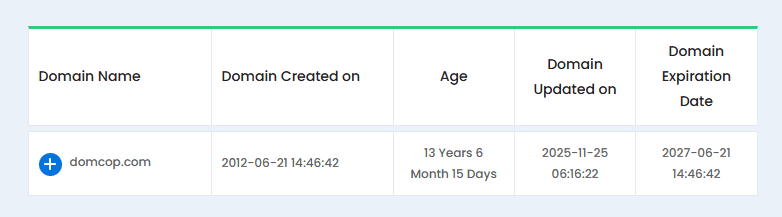
This information helps you quickly tell whether a domain has been around for years or if it is an older name that was only recently picked up and reused.
That difference matters, especially when you are trying to distinguish long-standing websites from newer ones without an established track record.
Why Do You Need to Check Domain Age?
Checking domain age is not just about looking at a calendar. It is a strategic move that affects your marketing, security, and growth. Here is a detailed look at why using a domain age-checker is critical for any web project.
1. Search Engine Authority and Trust
Search engines like Google prioritize websites that demonstrate long-term stability. An older domain often has a head start because it has already passed the initial “probationary period,” also known as the sandbox effect.
For example, if you launch two identical blogs today (one on a brand-new domain and one on a domain registered five years ago), the older domain will likely rank faster.
Search engines view the older site as a more permanent resource rather than a temporary page that might disappear next month.
2. Backlink Maturity
A domain age-checker helps you identify sites that have had years to earn natural backlinks. Quality links from other reputable websites are the backbone of SEO. Older domains usually have a diverse link profile that has grown organically over time.
Buying an aged domain with existing backlinks can save you thousands of dollars in outreach and link-building efforts. You inherit the votes of confidence from every site that linked to that domain in the past.
3. Verification of Business Legitimacy
Cybercriminals frequently use new domains to launch phishing attacks or temporary scams because they are cheap and easy to discard. A domain age-checker acts as a quick security filter.
Imagine you receive an urgent email from a bank or a high-end service provider. If you run their website through a domain age-checker and see it was registered only three days ago, you immediately know it is likely a fraud.
Legitimate financial institutions and major brands almost always have domains that are several years, if not decades, old.
4. Email Deliverability Rates
Internet Service Providers (ISPs) track the reputation of sending domains to filter spam. New domains are often guilty until proven innocent. They have no history of sending legitimate emails, so their messages frequently end up in the spam folder.
Domains that have been around longer and have a clean email record tend to perform much better. Over time, consistent and legitimate email sending helps build trust with inbox providers, improving the chances that messages reach the primary inbox.
Safe to say, established domains generally see stronger email deliverability than brand-new ones.
5. Competitive Intelligence
By using a domain age-checker on your competitors, you can map out their growth timeline. Understanding when a rival launched their site helps you gauge how much effort they put into their current market position.
If a competitor is outranking you but their domain is only two years old, it tells you that their content quality or technical SEO is exceptionally high.
Conversely, if they are ranking simply because they have a 20-year-old domain, you know you need to focus on building more authority to close the gap.
What to Look for Beyond the Number of Years
While the number of years is a strong indicator of value, a domain age-checker only provides one piece of the puzzle. To truly understand a domain’s worth, you must look at its specific history and how it was used during those years.
Here is what you should evaluate alongside the data from a domain age-checker.
1. Consistency of Content History
A domain might be ten years old, but if it has changed its topic five times, search engines may treat it like a new site.
For example, if a domain was a cooking blog for eight years and suddenly became a cryptocurrency site last year, it loses much of its topical authority.
Drastic shifts in content often signal that the domain was bought just for its age to host unrelated or low-quality material. When you use a domain age-checker, always cross-reference the results with a tool like the Wayback Machine to see if the site has remained in a consistent niche.
2. Ownership Transfers and Drops
A dropped domain is one that the owner forgot to renew, allowing it to expire and return to the open market. When a domain drops, its SEO value often resets.
A domain age-checker might show the original registration date from 2010, but if the domain expired and sat empty for two years, that decade of authority could be gone.
For example, a domain registered in 2005 that has never expired is significantly more valuable than one registered in 2005 that has been dropped and re-registered three different times. Frequent ownership changes can also indicate that the domain is difficult to manage or has hidden issues.
3. Past Penalties and Spam History
Age cannot protect a domain from the consequences of bad behavior. If a previous owner used the domain for black-hat SEO or sent millions of spam emails, the domain might be blacklisted by Google or email providers.
Look for a sharp, unexplained drop in historical traffic or a backlink profile full of suspicious, unrelated links. A ten-year-old domain with a history of hosting malware is a liability rather than an asset.
Using a domain age-checker to find the age is only the first step; verifying that those years were clean is what confirms a good investment.
4. Intellectual Property and Trademarks
Just because a domain is old doesn’t mean it is legally safe to use. Sometimes domains are abandoned because the original owner faced a trademark lawsuit.
If you buy an aged domain that is too similar to an existing large brand, you could face legal action regardless of the domain’s age. Before moving forward based on a domain age-checker result, make sure the name does not infringe on any active trademarks.
Best Domain Age-Checker Tools (2026)
In 2026, several high-quality tools make it easy to verify website history. Depending on whether you need a quick look at a single site or a deep dive into thousands of domains, different platforms offer unique advantages.
Here are the best domain age-checker tools currently available.
1. Small SEO Tools (Best for Bulk Checking)
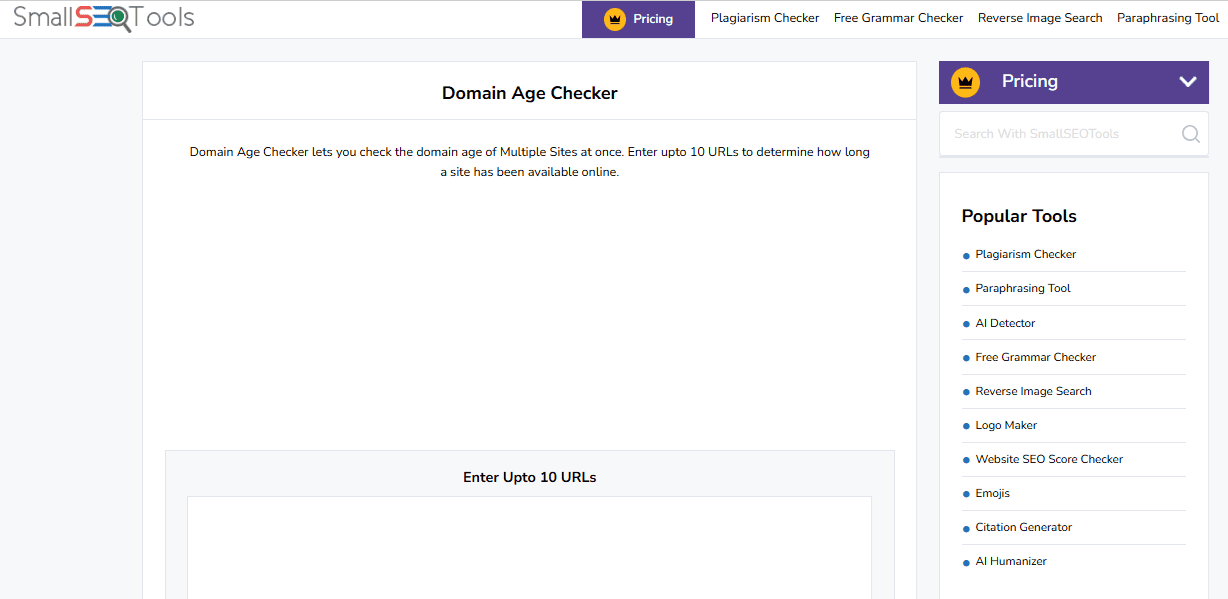
SmallSEOTools Domain Age-Checker
This is a go-to domain age-checker for users who need to process multiple URLs quickly. It allows you to enter up to 10 different domain names at once, providing a fast comparison of their lifespans.
- Key Features: It displays the exact age in years, months, and days. It also includes the registrar name and the IP address of the hosting server.
- Why use it: Use this tool when you are conducting broad market research and need a snapshot of several competitors simultaneously.
2. WhoisXML API (Best for Professional Data Depth)

WhoisXML API Domain Age-Checker
For those who require more than just a date, this domain age-checker offers professional-grade intelligence. It draws from a massive database of billions of historical WHOIS records, making it highly accurate even for international extensions.
- Key Features: It provides detailed registrar history and normalized data that is easy to integrate into other applications.
- Why use it: This is the ideal choice for cybersecurity experts and serious domain investors who need to verify the entire paper trail of a web property.
3. DupliChecker (Best for Integrated SEO Metrics)
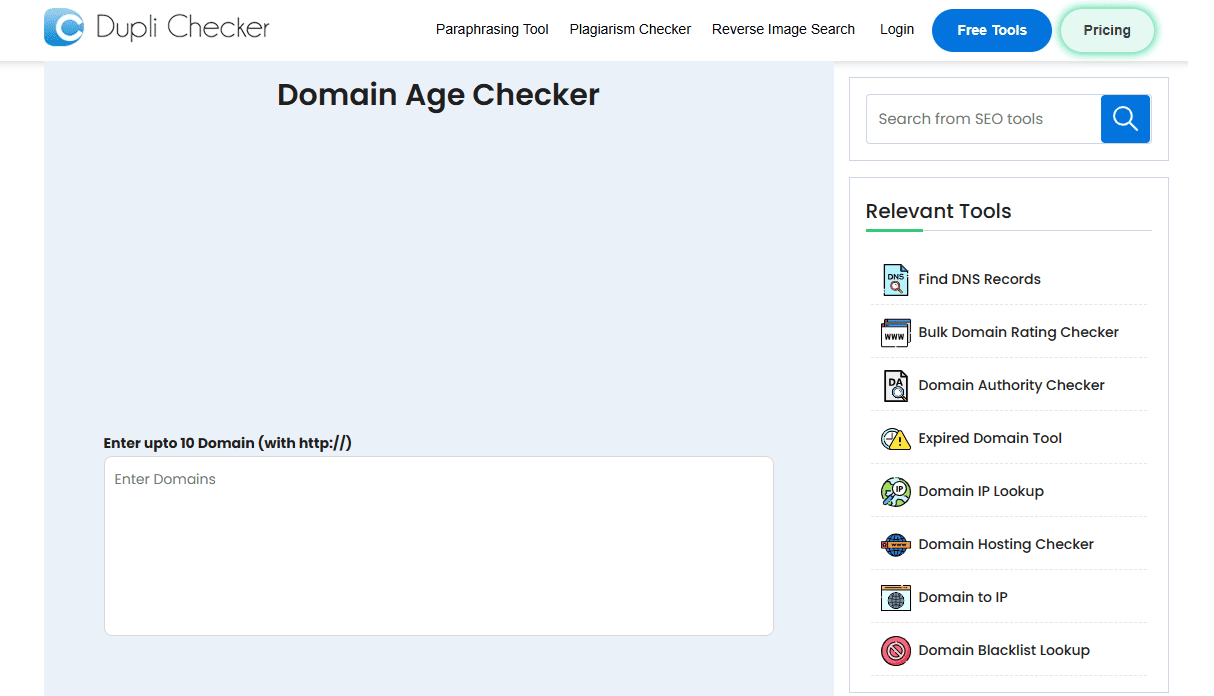
DupliChecker Domain Age-Checker
DupliChecker offers a highly reliable domain age-checker that integrates well with its other optimization tools. It is known for its clean interface and for providing additional context, such as the “Last Updated” date, which shows when the owner last touched the domain.
- Key Features: It provides direct links to the Wayback Machine, allowing you to jump from the age result to a visual history of the site.
- Why use it: Choose this tool if you want to verify the age of a domain and immediately check its past content or design layouts.
4. ICANN Lookup (The Official Source)
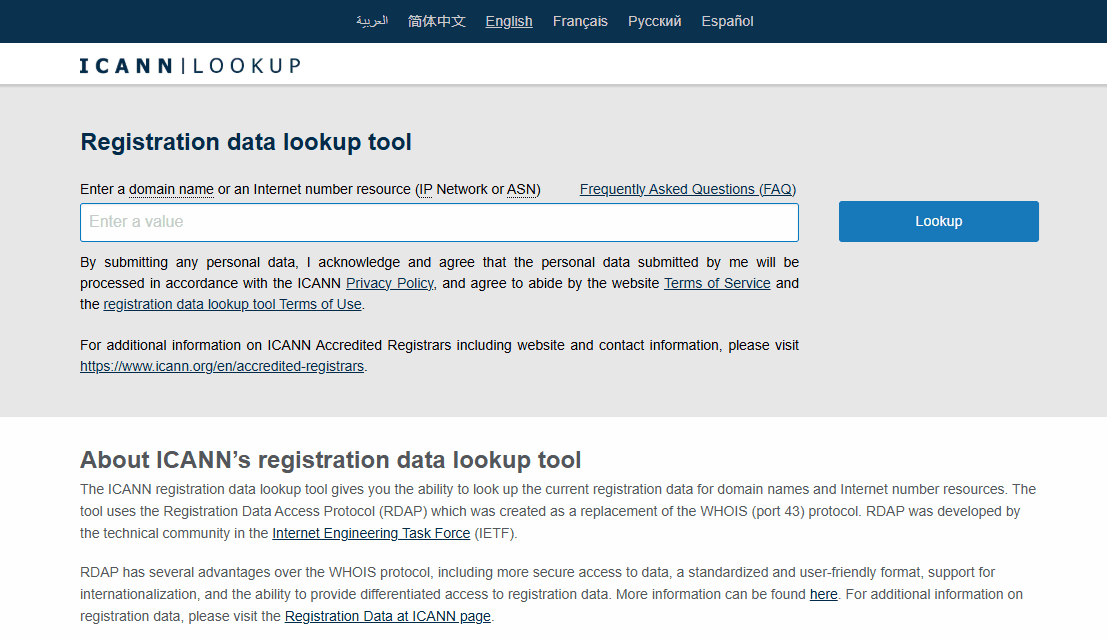
ICANN Lookup Domain Age-Checker
While not a traditional domain age-checker with a fancy interface, the ICANN Lookup tool is the most authoritative source of information. It uses the Registration Data Access Protocol (RDAP) to provide real-time data directly from domain registries.
- Key Features: It offers raw, unfiltered registration data, including the original creation date and current domain status codes.
- Why use it: Use this when you need to double-check a result from another tool. If you are in the final stages of a domain purchase, this is the place to verify the birth certificate of the URL.
Conclusion
A domain age-checker is a crucial first step in doing your homework before buying or analyzing a domain. It helps you spot established players, avoid potential scams, and uncover older domains that could give your SEO a head start.
That said, age alone isn’t everything. A ten-year-old domain with a history of spam is far less valuable than a newer domain with a clean reputation. The real advantage comes from combining domain age with quality content and a trustworthy history.
Now that you understand what a domain age-checker does, it’s time to put this knowledge into practice. Check out our full guide on how to find a domain’s history and make smarter decisions.
Domain Age-Checker FAQs
Does domain age directly improve my SEO ranking?
Age is not a direct ranking factor on its own, but it correlates with trust and authority. A domain age-checker shows how long a site has had to build backlinks and establish a reputation, which search engines value highly.
Can a domain age-checker tell me if a site was penalized in the past?
Not directly. While a domain age-checker shows the registration dates, it does not flag manual penalties. You should use the age data alongside a backlink auditor or the Wayback Machine to check for past spammy behavior.
Is there a difference between “age” and “registration date”?
Yes. A domain age-checker shows the registration date, but the “age” that matters for SEO is how long the site has been active and indexed. A domain registered in 2010 that stayed empty until 2024 is effectively treated as a newer site.
Will my domain age reset if I change owners?
Generally, no. If the domain is transferred smoothly without expiring, it retains its original creation date in a domain age-checker. However, if the domain drops and expires before a new owner buys it, the authority may reset.
What is a good domain age for a new business?
There is no perfect number, but domains older than 3 to 5 years are often seen as more established. If you are starting fresh, don’t worry, as consistent, high-quality content can eventually outperform a neglected older domain.
Why do some tools show different ages for the same site?
Different domain age-checker tools may query different databases or refresh their cache at different times. For the most accurate and official data, always cross-reference results with the ICANN Lookup tool.