 DomCop
Building a brand-new website from scratch is a slow process that requires a lot of patience. However, top SEO experts use a shortcut: expired domains with high metrics.
These are domains that were previously owned and already have a history of authority and trust with search engines. Instead of waiting months for Google to notice you, buying an expired domain allows you to inherit its existing power to rank your content faster.
In this guide, we will break down exactly what you need to look for before hitting the buy button. We will explain the most important SEO metrics, how to spot hidden red flags, and the best tools to find expired domains with high metrics.
Core Authority Metrics To Check
To identify high-quality expired domains with high metrics, you must look beyond the domain name itself and analyze the data that search engines use to determine authority. These metrics act as a credit score for the domain, showing how much ranking power you will inherit.
Domain Authority (DA) & Page Authority (PA)
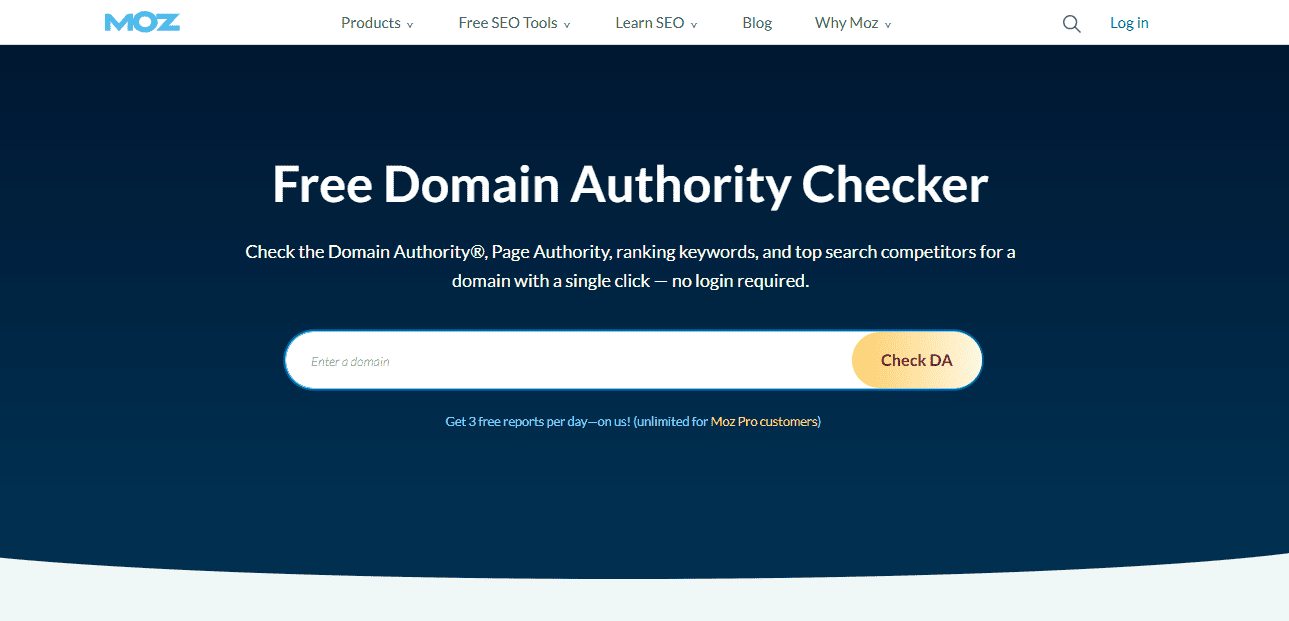
Moz Domain Authority Checker
Developed by Moz, Domain Authority is a predictive score that estimates how well a website will rank on search engine results pages (SERPs). While DA evaluates the strength of the entire domain, Page Authority (PA) focuses on specific URLs, such as the homepage.
- What to look for: A DA of 30 or higher is a strong starting point. If you find a domain with a DA over 50, it is a high-authority asset that can significantly speed up your ranking process.
- Tool to use: Use the Moz Domain Analysis tool or the MozBar browser extension to quickly check these scores.
Domain Rating (DR)
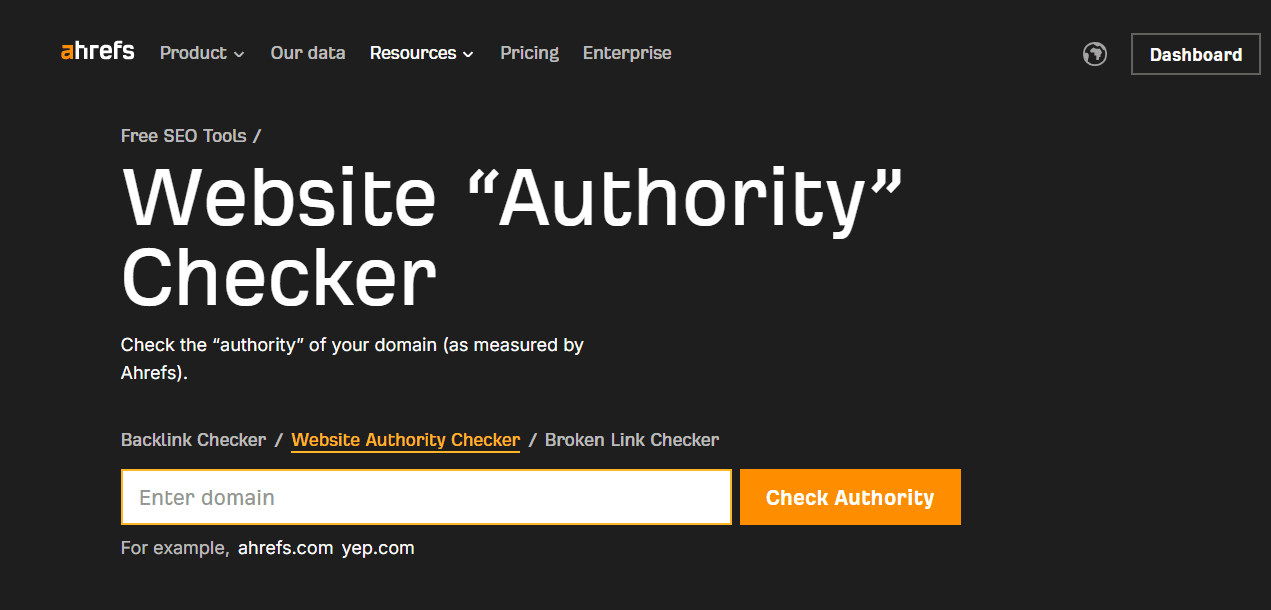
Ahrefs Website Authority Checker
Ahrefs created the Domain Rating (DR) metric to measure the strength of a website’s total backlink profile. Unlike some other scores, DR is purely link-based and logarithmic, meaning it is much harder to move from 40 to 50 than it is from 10 to 20.
- What to look for: Aim for a DR of 20 to 40+. A high DR indicates that the domain has a history of attracting links from high-quality websites, which is the fuel\ of SEO.
- Tool to use: The Ahrefs Website Authority Checker is the industry standard for this metric.
Trust Flow (TF) & Citation Flow (CF)
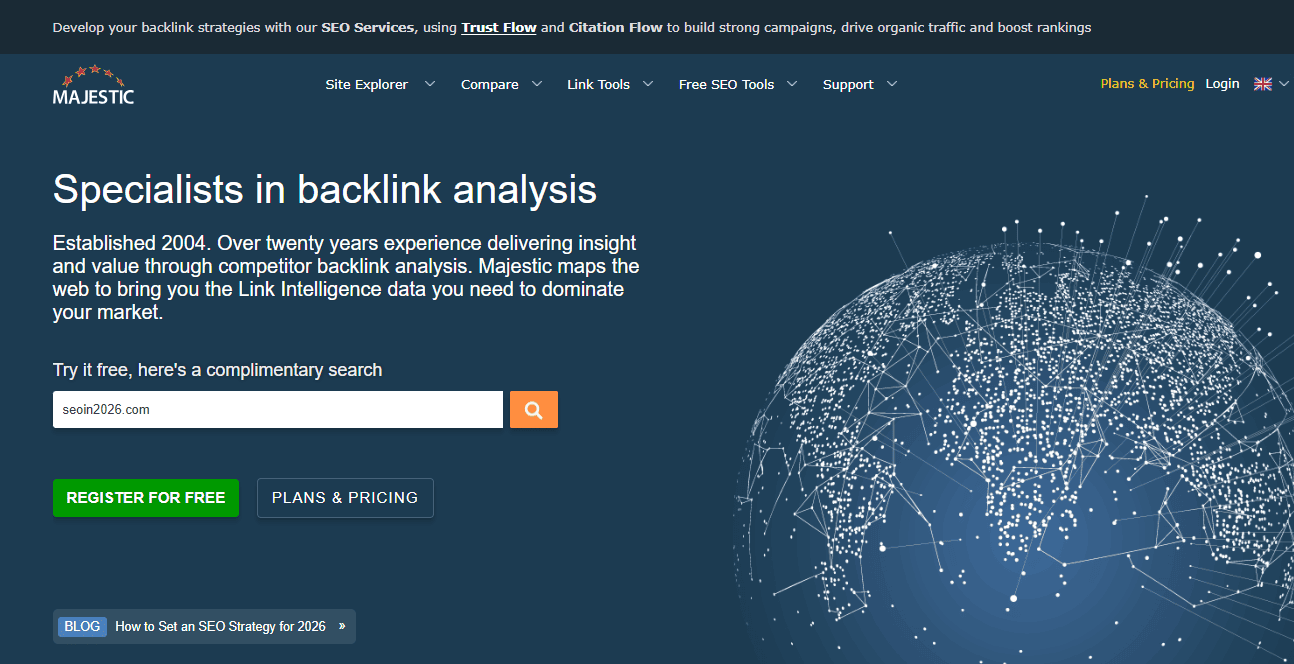
Majestic SEO Backlink Checker
These metrics from Majestic are essential for separating powerful domains from spammy ones. Citation Flow (CF) measures the quantity or power of the links, while Trust Flow (TF) measures how close those links are to hand-vetted, trustworthy seed sites.
- The Ratio Secret: The most important thing here is the relationship between the two. If a domain has a CF of 40 but a TF of only 5, it is likely packed with low-quality spam. For the best results, look for a Trust Flow that is at least 80% of the Citation Flow (e.g., TF 24 and CF 30).
- Tool to use: Majestic SEO provides the most accurate TF/CF data.
Authority Score (AS)
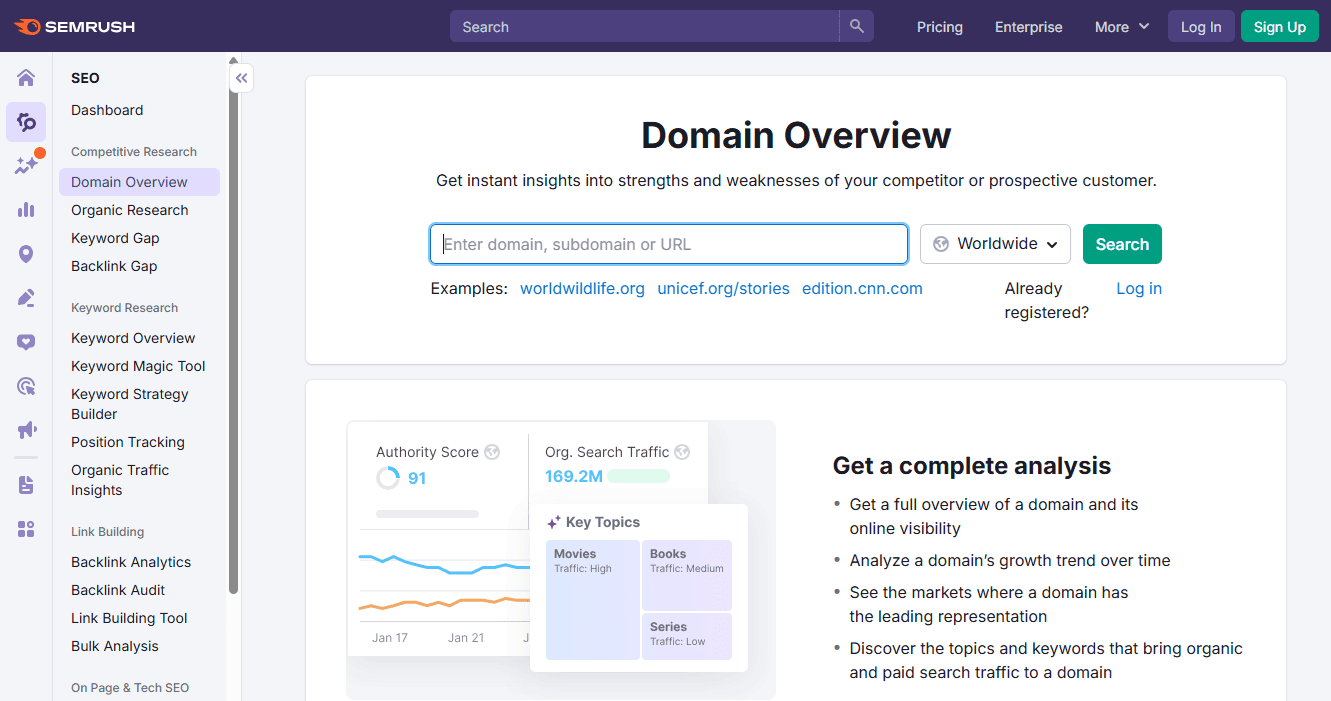
Semrush Domain Overview
Semrush uses Authority Score to provide a holistic view of a domain. It combines backlink data with organic traffic estimates and spam factors to give you a single number representing the domain’s overall health and influence.
- What to look for: A score above 30 indicates a healthy domain that Google already recognizes. This is a great sanity check to ensure the domain didn’t just have links, but also had actual search visibility.
- Tool to use: Use the Semrush Domain Overview tool to see the Authority Score along with historical traffic trends.
Backlink Profile (Quality Over Quantity)
Backlinks are the lifeblood of expired domains with high metrics. They are the bridges that carry SEO value from established websites to yours.
However, having thousands of links is not enough; if those links come from bad neighborhoods (spam sites), they can do more harm than good. A clean, high-quality backlink profile is what separates a premium domain from a risky one.
The 1:3 Referring Domain Ratio
A common trick used to inflate metrics is to create thousands of links from just one or two websites. This looks unnatural to search engines. When analyzing a domain, compare the total number of backlinks to the number of Referring Domains (unique websites).
- What to look for: A healthy ratio is typically around 1:3. This means for every 1 unique website (Referring Domain), there are about 3 total backlinks. If you see a domain with 50,000 links but only 100 referring domains, it is a major red flag for spam or link farming.
- Tool to use: Ahrefs Site Explorer or Semrush Backlink Analytics allows you to see the “Referring Domains” count prominently.
Niche Relevance & Top-Tier Sources
Google places a massive premium on relevance. If you are buying a domain for a health blog, its existing links should ideally come from hospitals, medical journals, or other health influencers.
- What to look for: High-authority seed sites. Links from .gov (government), .edu (educational), and major news outlets (like Forbes, BBC, or The New York Times) are the gold standard. These links are extremely hard to fake and pass the most authority.
- Tool to use: Majestic SEO is excellent here because of its Topical Trust Flow, which categorizes the domain’s links into niches like Sports, Business, or Society.
Anchor Text Diversity
Anchor text is the clickable text used in a backlink. In a natural profile, these should be diverse. When it comes to red flags in anchor text, if you see the same “money keyword” (e.g., “cheap insurance” or “buy keto pills”) used in 90% of the links, the site was likely over-optimized and penalized.
Even worse, if you find foreign language anchors (like Chinese or Russian) on an English-language domain, it’s a clear sign the site was hacked or used for spam.
- What to look for: Look for a mix of branded anchors (the domain name), naked URLs (www.domain.com), and generic terms (like “click here” or “source”).
- Tool to use: Ahrefs and Semrush both have dedicated “Anchors” reports that visualize this data in easy-to-read charts.
DoFollow vs. NoFollow Ratio
Only “DoFollow” links pass SEO power. While “NoFollow” links (from social media or comments) don’t directly boost your authority, a natural website will always have a mix of both.
- What to look for: Ensure the majority of your high-authority links are DoFollow. However, if a domain has 100% DoFollow links and zero NoFollow links, it looks artificial. A healthy, natural profile usually has a mix (e.g., 70-80% DoFollow).
- Tool to use: Any major SEO suite will let you filter the backlink list by “Follow” vs. “NoFollow” status.
Google Index Status & History Checks
Even if an expired domain has impressive power scores, its history and current relationship with Google can make or break your investment. A domain that has been penalized or used for black-hat SEO is often more trouble than it’s worth.
Google Index Status
When a domain is indexed, it means Google still recognizes its pages in its search database. For an expired domain, being indexed is a massive green flag as it proves the domain hasn’t been banned or completely devalued.
The easiest way to check this status is to go to Google and type site:yourdomain.com. If results appear, the domain is still in Google’s good graces.
If no results appear, the domain has been de-indexed. While this happens naturally to some expired domains, it can also be a sign of a manual penalty for spam. If it’s de-indexed, you will have to work much harder to get it back into Google’s index.
- Tool to use: Google Search (using the site operator) is the only tool you need for this.
Wayback Machine Audit (Archive.org)
High metrics can be faked, but history doesn’t lie. The Wayback Machine allows you to see exactly what the website looked like 2, 5, or 10 years ago.
- What to look for: You want to see a consistent history. If the site started as a local bakery blog but suddenly turned into a Chinese gambling site or a “Best Keto Pills” store, the domain has been “spammed.”
- Red Flags: Look for a sudden change in language or niche. If the content seems thin, repetitive, or filled with AI-generated gibberish, Google likely already flagged it.
- Tool to use: Archive.org (Wayback Machine). Look for the blue dots on the calendar; these represent successful snapshots of the site.
For more information, you can read our complete guide on how to check domain history.
WHOIS History & Drops
WHOIS records tell you who owns the domain and when. A clean domain usually has one or two long-term owners.
Every time a domain expires and goes back to the market, it’s called a drop. A domain that has dropped 10 times in 3 years is a major red flag; it suggests that many people bought it, realized it was penalized, and let it expire again.
- Tool to use: WhoisXML API or DomainTools offers historical WHOIS data to see how many times the domain has changed hands.
Traffic & Ranking History
A truly high-quality expired domain should have a history of real human traffic. If a domain has a DR of 50 but has had zero traffic for the last five years, those links might be ghost links that carry no real value.
- What to look for: Look for a natural death. A slow decline in traffic as the site was abandoned is normal. A sudden cliff (where traffic goes from 10,000 to 0 overnight) usually indicates a Google penalty.
- Tool to use: Semrush or Ahrefs. Check the “Organic Traffic” graph to see the domain’s historical performance.
Where to Find and Buy Expired Domains with High Metrics
Now that you know how to evaluate expired domains with high metrics, the next step is finding them. Millions of domains expire every day, but only a fraction are worth buying. To find the hidden gems, you need to use a combination of research tools and reputable marketplaces.
Premium Domain Marketplaces
For those who prefer a done-for-you approach, premium marketplaces offer domains that have already been vetted by experts.
- Odys Global: A luxury marketplace that sells pre-vetted, high-authority domains. They do the heavy lifting by checking for spam and history before the domain even hits the store.
- SEO.domains: This platform houses a massive database of aged domains with solid backlink profiles, often sold at fixed prices rather than through stressful auctions.
Domain Auction Sites
Auction sites are where most domains go before they officially “expire” and become available to the general public.
- GoDaddy Auctions: The largest auction house in the world. You can find incredible deals here, but you must be careful as the platform is not pre-vetted; the burden of spam-checking is on you.
- NameJet: Known for its exclusive inventory from top registrars. It is a favorite for professionals looking for high-tier corporate or short domain names.
Search & Research Tools
To discover domains that haven’t been picked up yet or to filter through thousands of daily expirations, you need powerful search tools.
- DomCop: This is a highly effective tool for serious domain hunters. It aggregates all the important metrics we’ve discussed (DA, DR, TF, CF, and SEMrush traffic) into a single dashboard. It lets you set advanced filters so you only see domains that meet your exact high-metric criteria.
- ExpiredDomains.net: A massive, free database of deleted and expiring domains. While it lacks the advanced crawling and vetting features of paid tools, it is a great place for beginners to start browsing.
- SpamZilla: Another popular tool specifically designed to help you scan through expired lists and automatically flag potential spam or black-hat history.
Conclusion
In summary, finding a high-quality expired domain requires a balance of checking the power (DA, DR, and TF) and verifying the health (Wayback Machine and Index status).
While expired domains with high metrics offer a great head start, their true value lies in their relevance to your niche. Stick to the metrics we’ve talked about above, use professional tools like DomCop to filter out the noise, and you’ll be well on your way to ranking faster and outperforming your competition.
Expired Domains with High Metrics FAQs
What is an expired domain?
An expired domain is a web address that was not renewed by its owner, making it available for others to buy. These domains are valuable because they often retain their previous SEO authority, backlink profiles, and history.
How do I know if an expired domain has a Google penalty?
The fastest way is the site:domain.com search. If the domain has high authority metrics but shows zero results in Google, it has likely been de-indexed due to a manual or algorithmic penalty.
How can I find expired domains with powerful backlink profiles?
The most efficient way is to use tools like DomCop or ExpiredDomains.net. These platforms allow you to filter thousands of listings specifically by metrics like Referring Domains, DR, and Trust Flow to find domains with seed links from sites like Wikipedia or major news outlets.
How long does it take for an expired domain to start ranking?
Since the domain already has established authority, you can often see rankings for new content within 3 to 5 weeks. This is much faster than the 6–12 months typically required for brand-new domains.
Is it safe to buy a domain that was used as a PBN (Private Blog Network) before?
It is generally risky. If the previous owner used it for a PBN, search engines might have already flagged its outgoing links as spam, which could prevent your new content from ranking effectively.
Can I use an expired domain from a different niche?
While you can, it is not recommended. Search engines value “Topical Relevance,” so a backlink profile about “fishing” won’t provide much power to a new website about “software development.”
What is the most important metric to check?
There is no single magic number, but the Trust Flow to Citation Flow ratio is vital. A high Citation Flow with low Trust Flow is a near-guarantee that the domain is filled with low-quality spam.