
Do you have a domain name you bought but aren't using? Selling it can help you get your money back or even make a profit. GoDaddy makes selling domains simple by offering two main ways to list your name: GoDaddy Auctions (where people bid) and the Afternic network (for quick sales at a set price).
This guide provides a clear, easy-to-follow plan for the entire process. We will show you how to find the right price for your domain, set up the listing, and safely move the name to the new owner.
Quick answers
- GoDaddy Auctions membership: $4.99 a year, one membership for all the domains you sell. It is required to list, bid and use Buy Now.
- GoDaddy auction fees: nothing to list; a commission only when the domain sells, 15% if the domain points at GoDaddy's aftermarket nameservers (Fast Transfer) or 25% if it does not, with a $15 minimum.
- How to auction a domain on GoDaddy: open the Domain Portfolio, tick the domain, choose List for sale, pick the 7-day public auction (or a Buy Now price through Afternic), set the starting bid and confirm. Bids in the final minutes extend the auction.
- Buying instead? DomCop lists every GoDaddy auction with backlink metrics on the GoDaddy expired domains page, and our GoDaddy Auctions review covers the buyer's side.
How to sell a domain on GoDaddy?
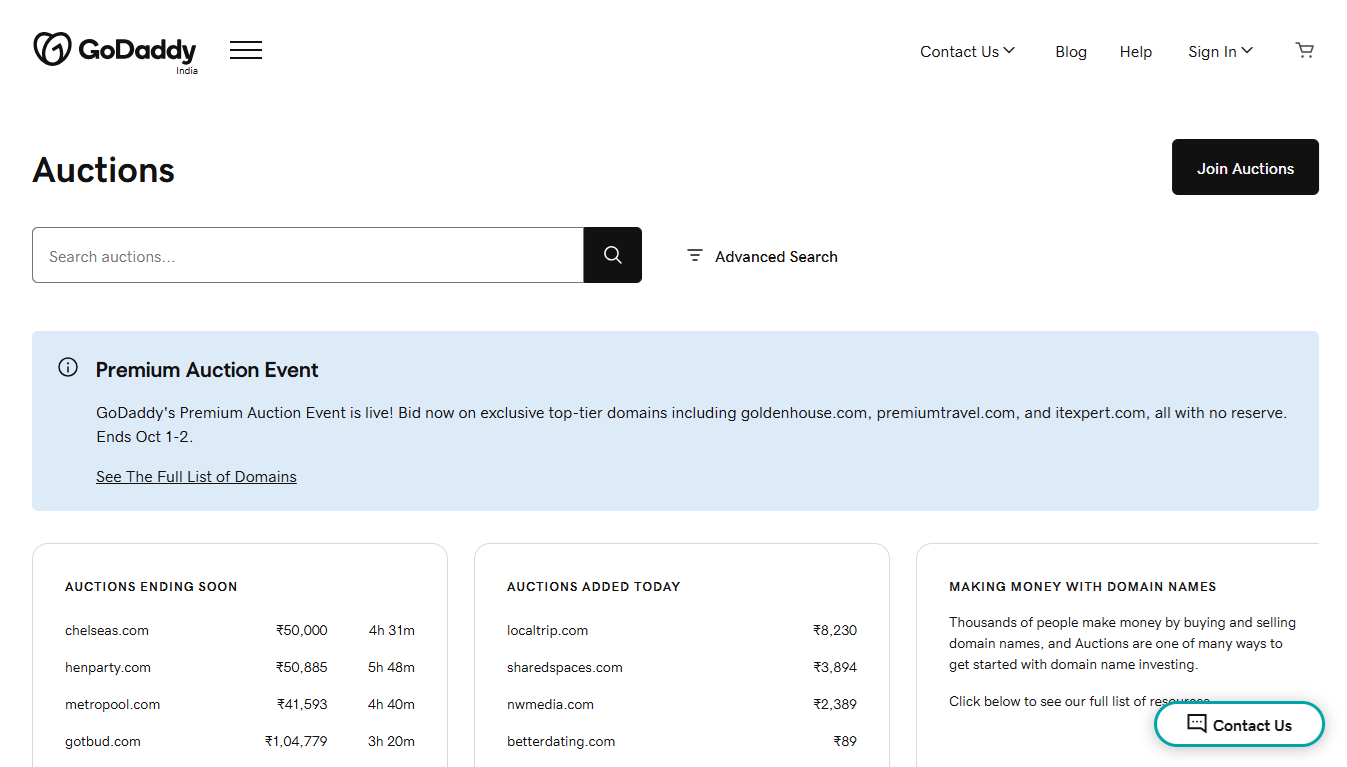
To get the most money for your domain, you need to understand three things: how to price it, what the fees are, and how to finish the transfer. Follow these steps to sell your domain name the right way.
Step 1: Find Out What Your Domain Is Worth
Before you list your domain, you need to set a price. This is the hardest part, because a domain is only worth what someone will pay for it. To set the best price, you need to use a combination of tools and smart thinking.
A. Use the GoDaddy Appraisal Tool
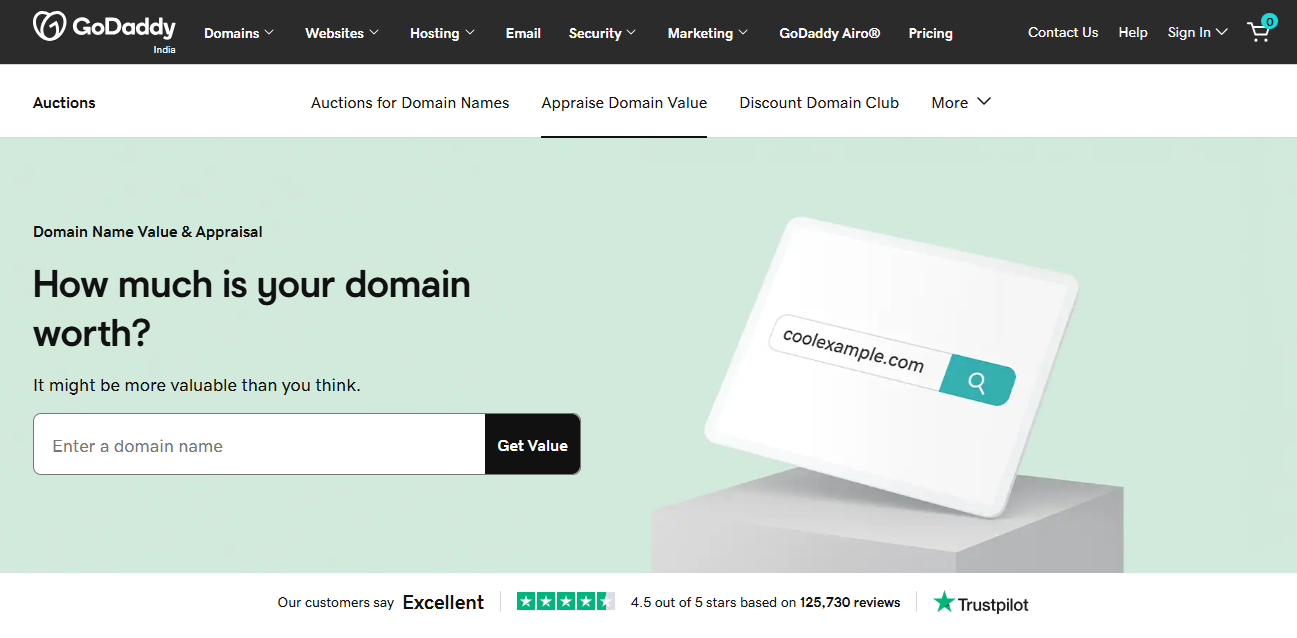
The fastest way to get a starting number is to use GoDaddy’s free Domain Appraisal Tool.
- How it works: This tool uses a smart computer program (called machine learning) that checks how much similar domain names have actually sold for. It looks at over 20 years of real sales data.
- What you get: It gives you an estimated value for your domain and often suggests a selling price. Use this as your starting point.
B. Check Prices of Similar Sales
Don't just trust one tool. The competitor's article mentions looking at sales data, and you should too:
1. Look for comparable domains: Search on sites that track domain sales (like Domcop or Domain Name Wire) to see what other people paid for domains that are similar to yours.
2. Key factors to compare:
- Length: Shorter, easier-to-remember names are worth more.
- Keywords: Does the name contain words people often search for (like "loan" or "travel")?
- Extension: A .com is almost always worth more than a .net or .online.
C. Choose Your Pricing Strategy
Once you have a value estimate (say, between $1,000 and $2,500), you need to choose how you want to sell it.
| Strategy | How it Works on GoDaddy | Best For |
| 1. Fixed Price (Buy Now) | You set one price (e.g., $2,000). The first person to agree buys it immediately. | High-quality names with a clear, high value where you don't want to wait for an auction. |
| 2. Flexible Price (Auction with Reserve) | You set a "Buy Now" price (e.g., $2,500) and a secret "Reserve Price" (e.g., $1,000). Bidders can start low, but the domain won't sell unless the bidding meets or passes your reserve price. | Names that might cause a bidding war. If the domain is popular, bidding can push the final price higher than a fixed price. |
Tip: If you are unsure, using an Auction with a Reserve Price is a safe choice. It allows you to attract a lot of bidders without the risk of selling the domain for less than you think it's worth.
Step 2: Get Ready to List (Account Setup and Fees)
Before you can press the "Sell" button, you need to make sure your GoDaddy account is set up for selling. You also need to know the fees so you can plan for your profit.
A. Get the GoDaddy Auctions Membership
To sell a domain, you need a paid membership to GoDaddy Auctions.
- Cost: The membership is inexpensive (around $4.99 per year).
- Why you need it: This membership gives you the right to list domains on the GoDaddy marketplace and is required to use their selling system. You only need one membership for all the domains you want to sell.
B. Link Your Afternic Account
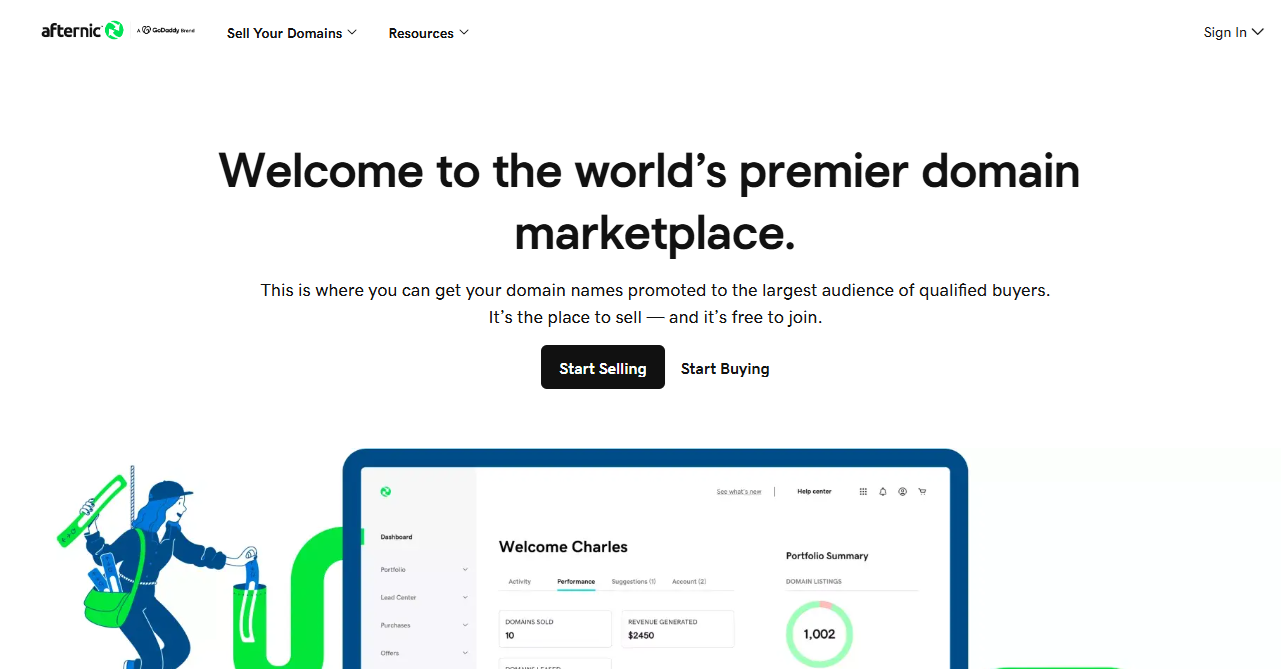
GoDaddy uses a large network called Afternic to help sell your domain faster.
- What it is: Afternic lists your domain name on over 100 partner websites (like other domain registrars) around the world. This is the best way to get your domain seen by the most buyers.
- Action: When you list your domain for sale inside your GoDaddy account, it will guide you to create or link an Afternic account. This step is free.
C. Understand the Commission Fees
GoDaddy (and Afternic) take a cut of the sale price. This is called a commission or fee. You only pay this if your domain sells.
- Standard Fee: The standard fee for a successful sale is often 25% of the sale price (with a minimum fee, usually $15).
- Lower Fee (Recommended): You can get a much lower fee, usually 15%, if you point your domain's nameservers to GoDaddy's/Afternic's nameservers. This allows GoDaddy to put a "For Sale" sign on your domain, making the sale Fast Transfer ready.
| Selling Price | Commission at 25% (Standard) | Commission at 15% (Lower Rate) | Your Payout (Simple Nameserver) |
| $500 | $125 | $75 | $425 |
| $2,000 | $500 | $300 | $1,700 |
D. Check Your WHOIS Privacy
The WHOIS is the public record of who owns a domain. Your personal information (name, email, phone) is often hidden by a privacy service.
- If you have privacy turned ON: Keep it on. GoDaddy will still handle the sale.
- If you turn privacy OFF: This can show buyers that you are the real owner and are serious about selling, which can build trust. However, it also exposes your personal details to the public. Most people leave privacy on until the domain is ready to be sold.
Step 3: List the Domain and Complete the Sale
This is the final administrative part of the process, which moves your domain from an asset to a live listing.
A. List the Domain for Sale
1. Sign in to Your Domain Portfolio: Log into your GoDaddy account and navigate to your Domain Portfolio (the list of all your domains).
2. Select and Choose "List for Sale":
- Check the box next to the domain(s) you want to sell.
- In the action menu above your list, select List for Sale (or the equivalent option).
3. Set Your Price:
Buy Now Price: This is the most important price. It is the non-negotiable price the buyer sees across all the Afternic partner sites. A buyer can click this button and purchase the domain immediately.
Floor Price (Optional but Recommended): This is the lowest price an Afternic sales broker is authorized to accept on your behalf without contacting you. Set this 20-30% lower than your Buy Now Price. The public never sees this.
Minimum Offer (Optional): This is the lowest offer a potential buyer can submit. It's usually set automatically but can be edited.
4. Connect to Afternic: If you haven't already, GoDaddy will prompt you to complete the setup of your Afternic account to publish the listing.
5. Enable the "For Sale" Lander: Check the box to use GoDaddy's "For Sale" landing page. This automatically puts a professional-looking landing page on your domain with a clear price and contact form, helping you maximize interest.
B. Enable Fast Transfer (Crucial for Quick Sales)
To ensure you get the lowest commission and the fastest payment, you need to enable the Fast Transfer network.
Action: To do this, you must point your domain's nameservers to GoDaddy's/Afternic's nameservers.
- If your domain is already hosted at GoDaddy, the system often handles this automatically when you list it.
- If you registered your domain elsewhere, you'll need to update the nameservers in your domain registrar's settings to the ones provided by Afternic (typically NS1.AFTERNIC.COM and NS2.AFTERNIC.COM, or similar GoDaddy-affiliated nameservers).
Result: The Fast Transfer system allows the domain to be automatically moved to the buyer's account as soon as payment is verified.
C. The Sale, Transfer, and Payout Process
Once you list the domain, the waiting begins.
| Step | Action by You/Buyer/GoDaddy | Timeline |
| 1. The Sale | A buyer purchases the domain at the Buy Now price or an Afternic broker closes a deal at or above the Floor Price. | Immediate |
| 2. Payment Secured | The buyer's payment is secured by GoDaddy's Transaction Assurance team. | Typically 24-48 hours |
| 3. Automated Transfer | For Fast Transfer domains: The domain is automatically "pushed" from your GoDaddy account to the buyer's account. You do nothing. | Almost Immediate after payment is verified. |
| 4. Payout to You | GoDaddy/Afternic sends you the sale amount minus the commission (15% or 25%). | 5-10 business days after the transfer is complete, depending on your chosen payment method (PayPal, Wire, ACH). |
Congratulations!
You've successfully listed and sold your domain name on GoDaddy's platform.
Conclusion
Selling a domain name on GoDaddy is a straightforward process that leverages the vast reach of GoDaddy Auctions and the global Afternic network. You must buy a low-cost GoDaddy Auctions membership, accurately price your domain using the appraisal tool, and allow Fast Transfer by pointing your nameservers to Afternic.
Upon a successful sale, GoDaddy handles the secure transfer and payment, taking a commission of 15% to 25% of the sale price. Proper listing and competitive pricing are key to a quick and profitable transaction.
How to sell domain on GoDaddy FAQs
Can I sell my domain through GoDaddy?
Yes. You can sell your domain name through GoDaddy's dedicated marketplace, GoDaddy Auctions. Your listing is automatically distributed to the Afternic network, which lists the domain on hundreds of registrar and reseller websites globally, providing maximum exposure to potential buyers.
How much does GoDaddy take when you sell a domain?
GoDaddy/Afternic charges a commission, which is a percentage of the final sale price.
- Discounted Rate: You pay 15% commission if your domain is listed on the Fast Transfer network (by pointing your nameservers to Afternic). This is the recommended and most common rate.
- Standard Rate: You pay a 25% commission if your domain is not set up for Fast Transfer.
- Note: There is a minimum commission fee, usually $15.
How do I sell my existing domain?
The basic steps to sell your existing domain are:
- Purchase a GoDaddy Auctions membership.
- Use the appraisal tool to set a competitive Buy Now Price.
- In your GoDaddy Domain Portfolio, select the domain and choose List for Sale.
- Set up your Afternic account and ensure your domain is configured for Fast Transfer (by updating nameservers) to get the lower 15% commission.
How do I see how much my domain is worth on GoDaddy?
You can see an estimated value using the free GoDaddy Domain Name Value and Appraisal tool. This tool uses an exclusive algorithm that combines machine learning with real-market sales data to give you a strong starting point for setting your official listing price