 DomCop
Buying an expired domain is one of the smartest moves you can make when starting a new website or trying to grow an existing one.
I’ve been doing this for a while now, and I can tell you from experience that a good expired domain can save you months of SEO work right from day one. You skip the “sandbox” phase where Google barely notices your site exists. You get real backlinks from real websites already pointing at your domain. And in some cases, you even inherit leftover traffic from the previous site.
But here’s the thing nobody tells you upfront: picking the wrong expired domain can actually hurt your site more than help it.
That’s why, in this article, I’m sharing 7 important things to check before buying any expired domain.
Tip 1: Check the Backlink Profile First
The number one reason people buy expired domains is backlinks.
A lot of beginners get excited seeing a domain with 500 backlinks. But that number means nothing if 480 of those links are coming from the same two websites. What actually matters is how many unique websites are linking to it. In SEO, these are called referring domains, and the more unique ones a domain has, the more natural and trustworthy it looks to Google.
Here’s how to check referring domains. Go to Ahrefs’ free Backlink Checker at ahrefs.com/backlink-checker, type in the domain, and look at two things: referring domains and anchor text.
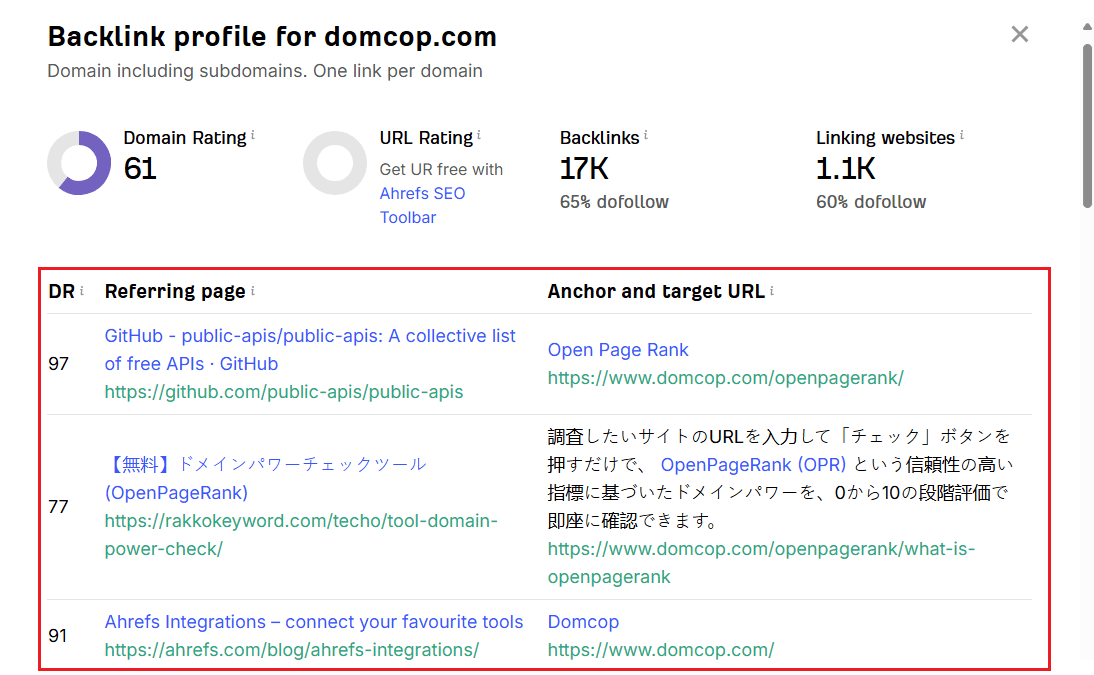
Screenshot of Ahrefs Backlink Checker displaying DomCop.com’s backlink profile, referring domains, and anchor text data
For anchor text, you want to see a natural mix, things like the brand name, the URL, and a few relevant keywords. If you see rows of “buy cheap casino,” “online pharmacy,” or the same exact keyword repeated dozens of times, close the tab and move on. That domain has a spam history and is not worth touching.
Also open Majestic to check Trust Flow and Citation Flow. So, what exactly are these metrics? Well, you can think of Trust Flow as link quality and Citation Flow as link quantity. On a clean domain, these two numbers sit reasonably close to each other. If Citation Flow is way higher than Trust Flow, for example, TF of 5 and CF of 45, that gap tells me the domain was built with cheap, bulk links just to inflate the numbers. You need to skip those every time.
Tip 2: Use the Wayback Machine to Check the Domain’s History
Good metrics on paper mean nothing if the domain has been used for shady activities in the past. So, how do you check the history of expired domains?
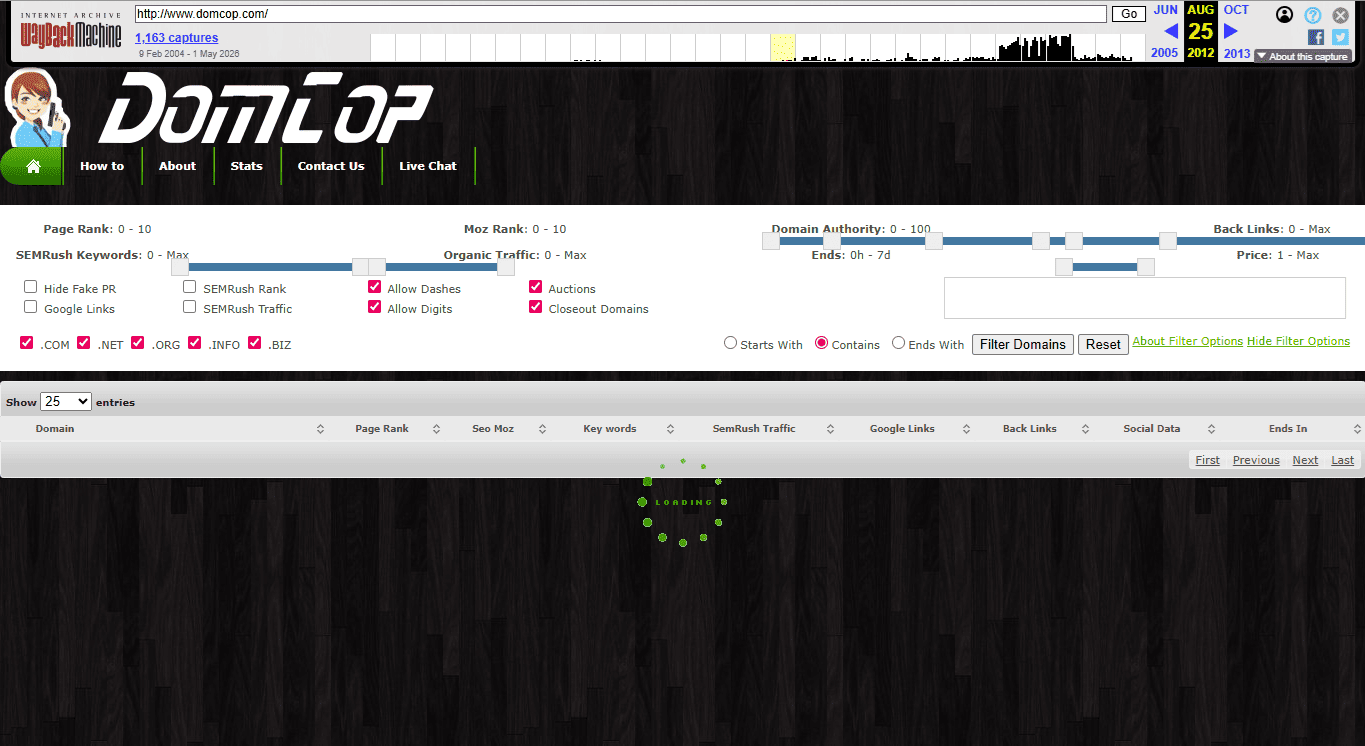
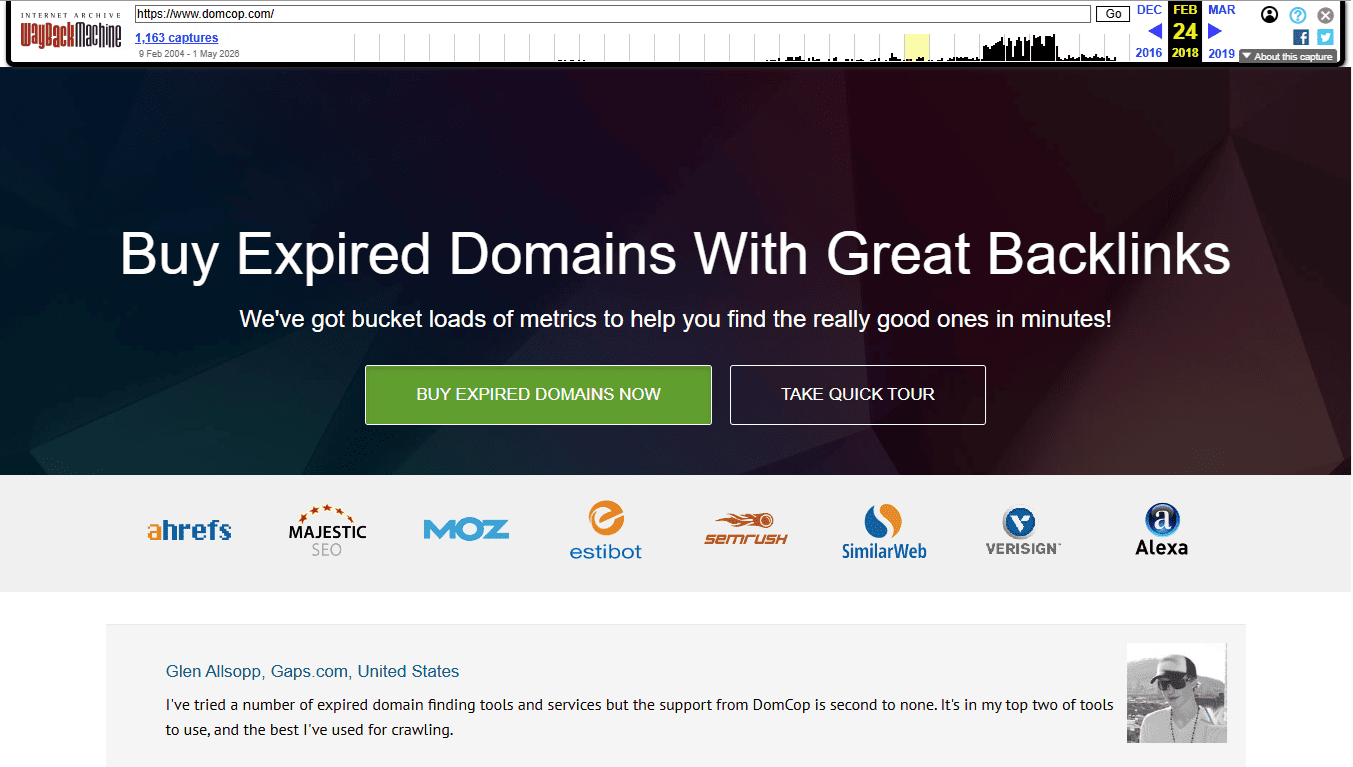
Go to web.archive.org, type in the expired domain name, and look at the snapshots. These are screenshots of what the website looked like at different points in time. I always recommend checking at least 3 to 4 snapshots spread across different years. For example, here is what domcop.com’s website looked like in 2012, 2018, and 2022:
DomCop website snapshot from August 25, 2012 in the Wayback Machine
DomCop website snapshot from March 02, 2018 in the Wayback Machine:
DomCop website snapshot from October 18, 2022 in the Wayback Machine:
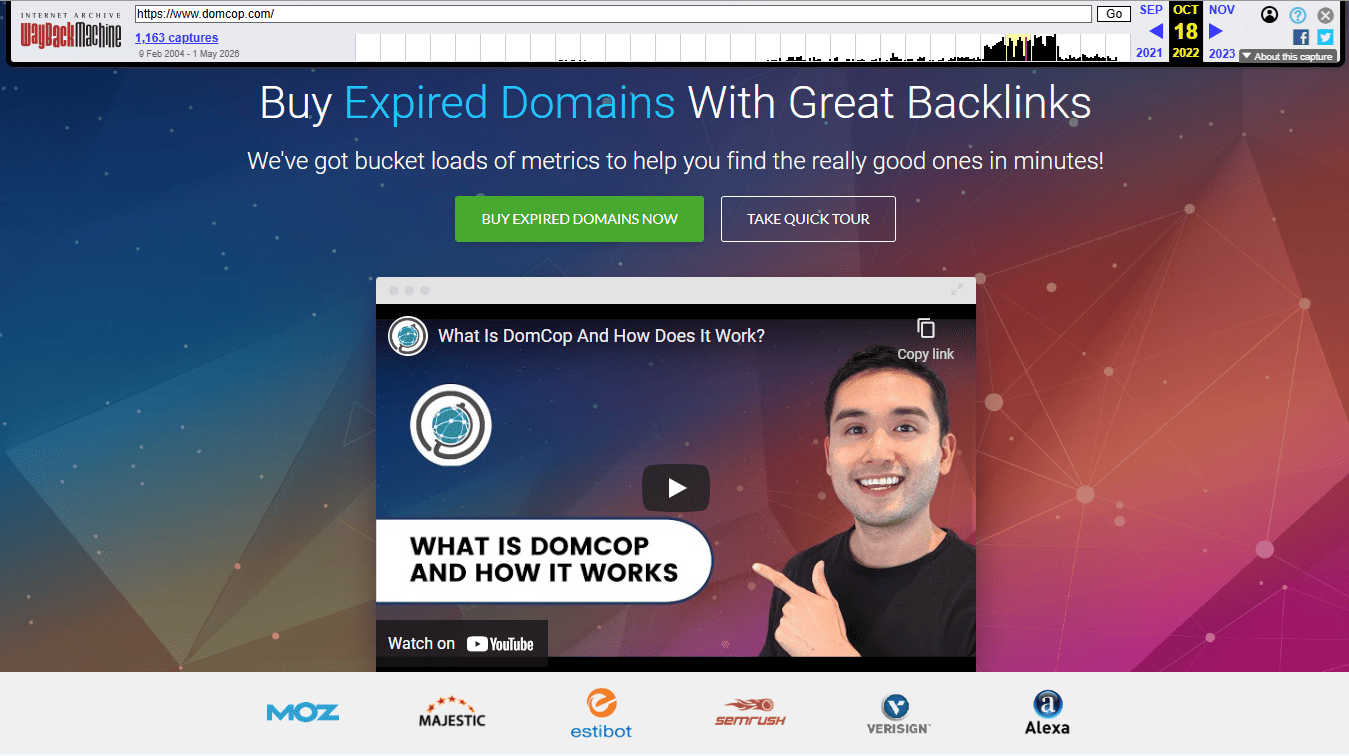
What you have to look for here is consistency. See how DomCop’s website has always been about expired domains.
In the same way, search the expired domain you want to buy on Wayback Machine. Question yourself: Was it a real business or a blog that stayed on the same topic over time? Or did it start as an expired domain blog in 2018 and suddenly become a gambling link page in 2021? That kind of jump is a serious red flag.
Also, pay attention to gaps. If there is a stretch of a year or two with no snapshots at all, the site was likely down during that period. This means Google probably dropped most of its indexed pages, and the domain lost much of the authority you thought you were buying.
My simple rule is this: if the domain was ever used for adult content, online gambling, pharmaceutical spam, or pure link directories at any point in its history, skip it completely. That history does not disappear just because the domain expired.
Tip 3: Do a Google Index Check (It Takes Only 10 Seconds)
This is the fastest check on this entire list, and I always suggest doing it right after the Wayback Machine check.
Open Google and type this exactly: site:[thedomainyouarechecking].com
Google will show you how many pages from that domain are currently indexed. If pages show up, that is a good sign. It means Google still recognizes the domain and has not blacklisted it.
If zero results come back, that is a major problem. It means Google has likely de-indexed the domain completely, either because of a manual penalty for spammy behavior or because of a serious algorithm violation. Recovering a de-indexed domain is incredibly difficult and time-consuming. In most cases, it is simply not worth the effort.
Also run the domain through Google’s Safe Browsing tool at transparencyreport.google.com. Paste the domain in and Google will tell you if the site has ever been flagged for malware or phishing. A domain with a malware history is nearly impossible to clean up in Google’s eyes.
Here is an example of DomCop’s current site status:
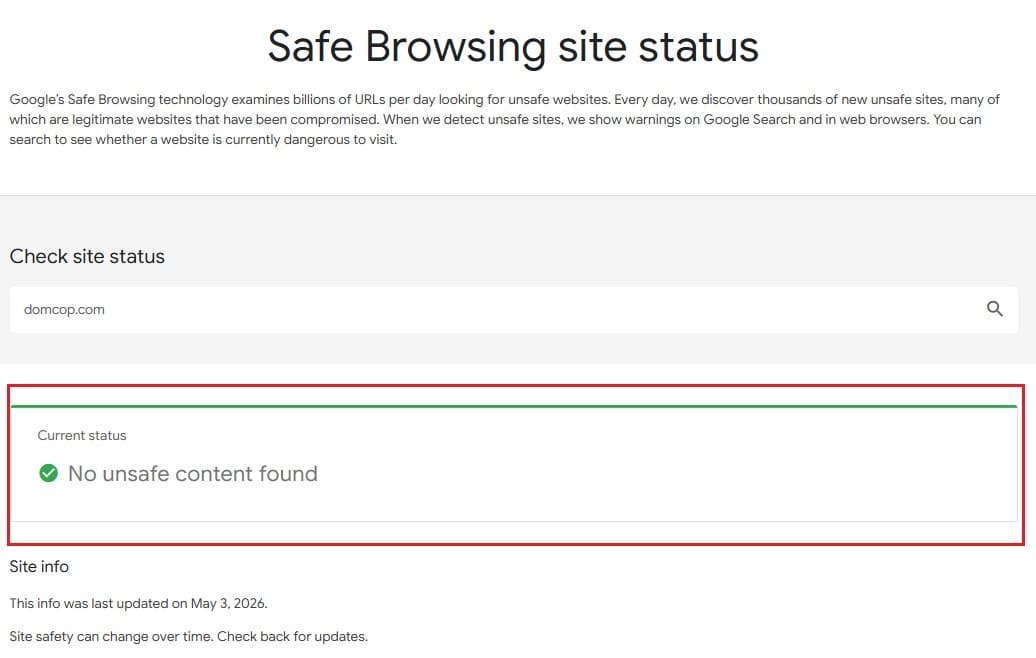
Google Safe Browsing site status report for DomCop
See how the tool clearly says “no unsafe content found.” This gives your expired domain a green flag to proceed further.
Tip 4: Make Sure the Niche Matches Your Website
This is the tip most beginners completely ignore, and it is one of the most important ones.
Say you run a fitness blog and you find an expired domain with a DR of 40, clean backlinks, and a solid history. Sounds perfect. But when you check the Wayback Machine, you see it used to be a finance and investment website. All those backlinks are coming from finance blogs, money forums, and banking sites.
Now, the problem here is that those links are not going to help your fitness blog much. Google looks at the relevance of the sites linking to you, not just the number. A backlink from a finance site pointing to a fitness blog sends a confusing signal.
Here’s what you need to look for before buying:
- The old site is in the same niche or a closely related one.
- The backlinks are coming from websites in that same niche.
- The content on the Wayback Machine snapshots matches the topic of your site.
The closer the match, the more value those backlinks will carry over. A domain that used to be a health and wellness blog is worth far more to a fitness website than a high DR finance domain, even if the finance domain looks better.
Tip 5: Check for Trademark Issues (Very Important)
This step is not about SEO. It is about protecting yourself legally.
Some expired domains were abandoned because the business shut down. But the brand name attached to that domain might still be trademarked. If you buy it and start using it, you could end up in a legal dispute that costs far more than what you paid for the domain.
Here is exactly what you need to check before buying:
- Search the domain name on Google first. If a well-known brand or company shows up in the results, that is an immediate warning sign.
- Go to tess.uspto.gov, which is the US Patent and Trademark Office database. Type in the domain name, any similar spellings, and close variations. If you see active trademark registrations that match, skip that domain.
- Do a quick search on Google for the domain name plus the word “trademark” or “brand.” Sometimes you will find forum discussions or news articles that flag an issue the official database might not surface immediately.
For high-value domains, I recommend hiring a trademark attorney for a proper search, which costs around $250 to $400. Now, it may look like an extra expense to you, but if you are planning to invest heavily, that fee is absolutely worth it.
Tip 6: Look at the Domain’s Organic Traffic History
A clean backlink profile is great. But a domain that also had real organic traffic coming in from Google is even better. That traffic history tells you the domain was ranking for real keywords, which means Google actually trusted it at some point.
Use Ahrefs Site Explorer or SEMrush for this. Just type in the domain and look at the organic traffic graph over time.
What you want to see is a graph that looks steady or gradually growing over the years. That is the sign of a legitimate site that earned its rankings naturally.
What you do not want to see is:
- A sudden cliff drop in traffic on a specific date.
- Traffic that spikes out of nowhere and then crashes just as fast.
- A complete flatline showing zero traffic for a long stretch.
Sudden drops are particularly important to watch. If the traffic fell off a cliff around March 2024 or September 2023, cross check those dates with known Google algorithm updates at moz.com/google-algorithm-change. If the drop lines up perfectly with a major update, that domain was likely hit with a penalty.
A domain with a steady traffic history and a clean graph is a domain Google was happy with. That is exactly the kind of foundation you want to build on.
Tip 7: Stick to .com, .org, or .net Unless You Have a Very Good Reason
According to data, .com domains have a 44% memorability score, the highest of any domain extension. That matters because a domain people remember is a domain people type directly into their browser, share with others, and link to naturally. All of those behaviors indirectly affect your SEO (in a good way).
Websites with unfamiliar extensions (like .info, .cc, .mobi) may encounter more skepticism when reaching out for backlinks, partnerships, or press coverage. In the expired domain world, this is a real problem because you are already trying to rebuild a domain’s reputation from scratch.
Now you might wonder: Do domain extensions affect rankings? Well, according to Google’s John Mueller, extensions do not directly affect rankings. But user behavior absolutely does.
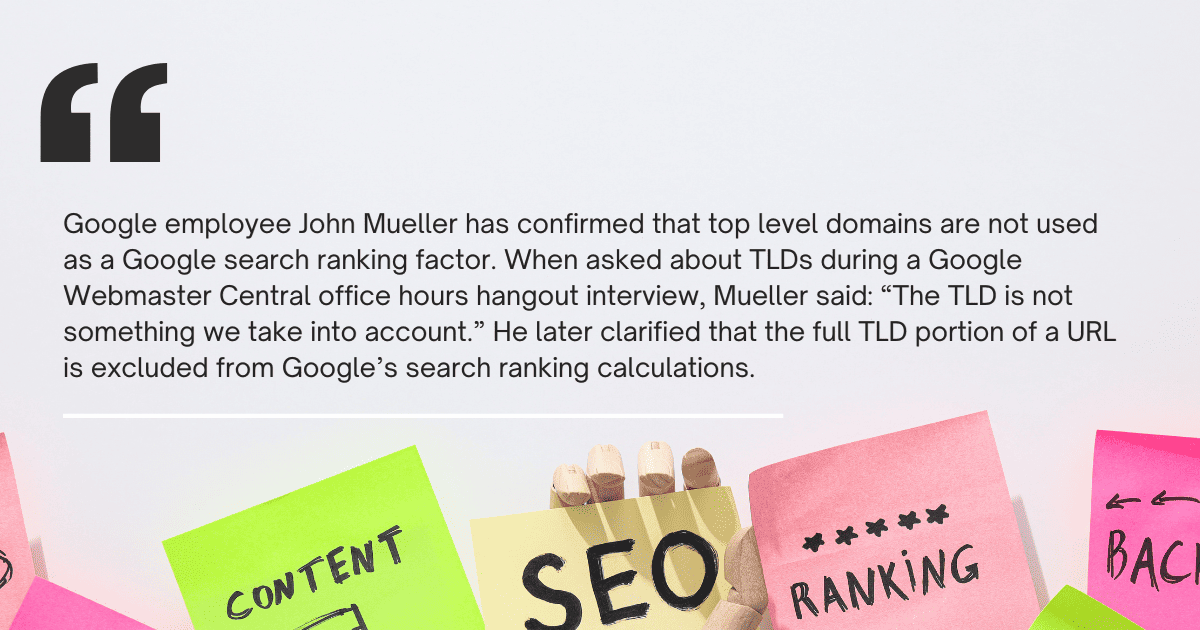
It is likely that .com domains get higher click-through rates and probably earn more links due to their higher trust factor. Both of those things matter a lot for SEO.
Here is the best order of preference when buying expired domains:
- .com always first
- .org for resource sites or communities
- .net as a solid fallback
Extensions like .info, .cc, and .mobi have always been associated with spam-heavy sites. So, if a domain on one of these extensions somehow passes every other check on this list, think twice before buying.
Where to Find Expired Domains?
There are several places to find expired domains such as GoDaddy Auctions, NameJet, and ExpiredDomains.net. But the problem with most of these platforms is that they show you raw lists with little to no filtering by SEO metrics. You end up doing a lot of manual work just to find one decent domain.
That’s why I recommend using DomCop. What makes it different is that it pulls data from multiple sources and lets you filter domains by DR, Trust Flow, Citation Flow, Moz DA, and spam score all in one place. Instead of checking each domain one by one across four different tools, DomCop does most of that initial filtering for you. It offers you more than 90 filters.
Now the tool is not free, and some even call it expensive, but it saves a lot of time you’d usually spend on research. If you are serious about finding a clean, high-quality expired domain without spending hours on manual checks, it is worth starting there.
However, if you are a beginner and can’t afford to invest in DomCop, try using expireddomains.net. It’s free to search and filter domain lists. But as it offers limited metrics, it’s not ideal for finding high-quality domains.
Conclusion
Choosing the right expired domain comes down to one thing: research. Check the backlink profile, run the Wayback Machine, do the Google index check, confirm niche relevance, verify trademarks, look at traffic history, and stick to trusted extensions.
Do all seven checks before spending a single dollar. Skip even one and you risk buying a domain that does more damage than good.
The domains that look great on the surface are not always the ones that perform. The ones that pass every check on this list are.
That is the difference between a smart buy and an expensive mistake.
Choosing the Best Expired Domain FAQs
What are the benefits of buying expired domains?
Expired domains come with existing backlinks, established domain authority, faster indexing, potential residual traffic, and stronger trust signals with Google. In some cases, they also come with brand recognition if the previous site had an audience.
How to find the best expired domain?
Start on DomCop and filter by DR, Trust Flow, and spam score. Then manually run each shortlisted domain through Ahrefs for backlinks, the Wayback Machine for history, and a Google site: search to confirm it is still indexed. You can read our complete guide to know more.
How to pick the perfect domain name for your business?
Always pick something short, easy to spell, and directly related to your business. Avoid hyphens, numbers, and anything that forces people to think twice about how to spell it. And try to get the .com version first, if not, go for .net or .org.
Are expired domains bad for SEO?
No, but a poorly vetted one can be. If the domain carries a spam history, toxic backlinks, or a Google penalty, those problems follow the domain to your new site. Do the checks first, and you will be fine.
What are the common uses of expired domains?
Most people either rebuild a niche site on top of the domain to inherit its authority, set up a 301 redirect to pass link equity to an existing site, or buy and resell the domain at a higher price once its value is recognized. You can find all the uses here.