
You write the perfect email with a strong subject line, clean design, and a compelling offer. You hit send, and it vanishes into the spam folder. No opens. No clicks. Just silence.
Most marketers blame the content for this type of problem. But the real culprit here is often something they never checked: domain reputation.
Whether you run email campaigns for an ecommerce store or send transactional emails for a SaaS product, your domain reputation is quietly deciding whether your emails get read or buried. This guide breaks down what it is, what damages it, how to run a domain reputation check, and what to do when your score has taken a hit.
What Is Domain Reputation?
Simply put, domain reputation is a trust score assigned to your sending domain by mailbox providers like Gmail, Yahoo, and Outlook. You can think of it as a credit score for your email domain, ranging from 0 to 100. The higher the number, the more receiving servers trust your emails and the more likely they are to deliver them to the inbox.
When you send an email from [email protected], Gmail does not just look at the content of that message. It looks at the history of your domain, yourcompany.com, and decides how trustworthy it is based on past sending behavior.
And the stakes are real. According to EmailToolTester’s 2024 Global Deliverability Report, the average inbox placement rate sits at 83.1%, meaning roughly 1 in 6 marketing emails never reach the intended inbox. A weak domain reputation is one of the leading reasons why.
Domain Reputation vs. IP Reputation
So, what is the difference between domain reputation and IP reputation, and why does it matter?
Your IP address is the numerical identifier tied to the server you use to send emails. Your domain is the name, yourcompany.com, that maps to that server. Both receive separate reputation scores from mailbox providers.
IP addresses can be changed. If your IP reputation tanks, you can always switch to a new IP and start fresh. However, domain reputation does not offer that escape. It stays attached to your domain name permanently. No matter what you do - switch your ESP, move to a new server, change IP addresses - your domain reputation follows you regardless.
This permanence makes domain reputation a big factor in the domain world. Many major mailbox providers now weigh domain reputation more heavily than IP reputation when they filter incoming email.
Why Domain Reputation Matters
A strong domain reputation is the foundation of email deliverability. A good score means your emails land in the inbox, and a poor score means they go straight to spam, no matter how well-crafted your content is.
What most senders overlook is that a bad enough reputation does not just hurt marketing emails. It can push transactional emails, including order confirmations, password resets, and shipping notifications, into the spam folder too. At that point, your business becomes practically invisible through email.
And once domain reputation starts declining, there’s seriously no going back because it’s very hard to recover. Emails going to spam mean fewer people open them, which signals low engagement to mailbox providers, and that damages your reputation even more. After a while, it becomes a self-reinforcing cycle.
What Factors Affect Your Domain Reputation?
Mailbox providers keep their exact scoring algorithms private. Because obviously, if the formula were public, all bad actors would reverse-engineer it. But we do know the core inputs they monitor closely. So let’s take a look at those important factors:
Spam complaint rate: It is the most dangerous signal. Google and Yahoo both require bulk senders to stay below 0.1%. Hitting 0.3% or higher causes deliverability to drop sharply. According to the Validity 2024 Email Marketing Insights report, the average spam complaint rate doubled to 0.07% in 2024, meaning the margin for error is narrowing industry-wide.
Engagement metrics: These metrics inform mail providers whether people actually want your emails or not. Open rates, click rates, reply rates, and whether recipients move your message to their primary inbox are all important factors here. A sender with a 25% open rate reads very differently to a filtering algorithm than one with a 2% open rate.
Email volume spikes: This raises immediate red flags. If you normally send 2,000 emails a week and suddenly blast 200,000 in a single day, mailbox providers treat that as suspicious behavior regardless of content quality.
Spam trap hits: These are addresses set up specifically to catch senders who buy lists, scrape emails, or fail to remove old inactive contacts.They signal poor list hygiene.
Hard bounces: They indicate invalid addresses. Industry guidance puts the safe ceiling at 2%. Above 3-5%, stop sending and clean your list before resuming.
Email authentication: SPF, DKIM, and DMARC records verify you are who you claim to be. Despite Google and Yahoo mandating DMARC for bulk senders since February 2024, over a third of sending domains still have no DMARC policy in place, according to 2026 deliverability research.
How to Check Domain Reputation
There is no single score you can look up in one place. Different mailbox providers maintain separate reputation systems, which means a deep domain reputation check using multiple tools. A Mailgun survey of 1,100+ senders found that 70% do not use Google Postmaster Tools at all. If that describes you, here is where to start:
Google Postmaster Tools
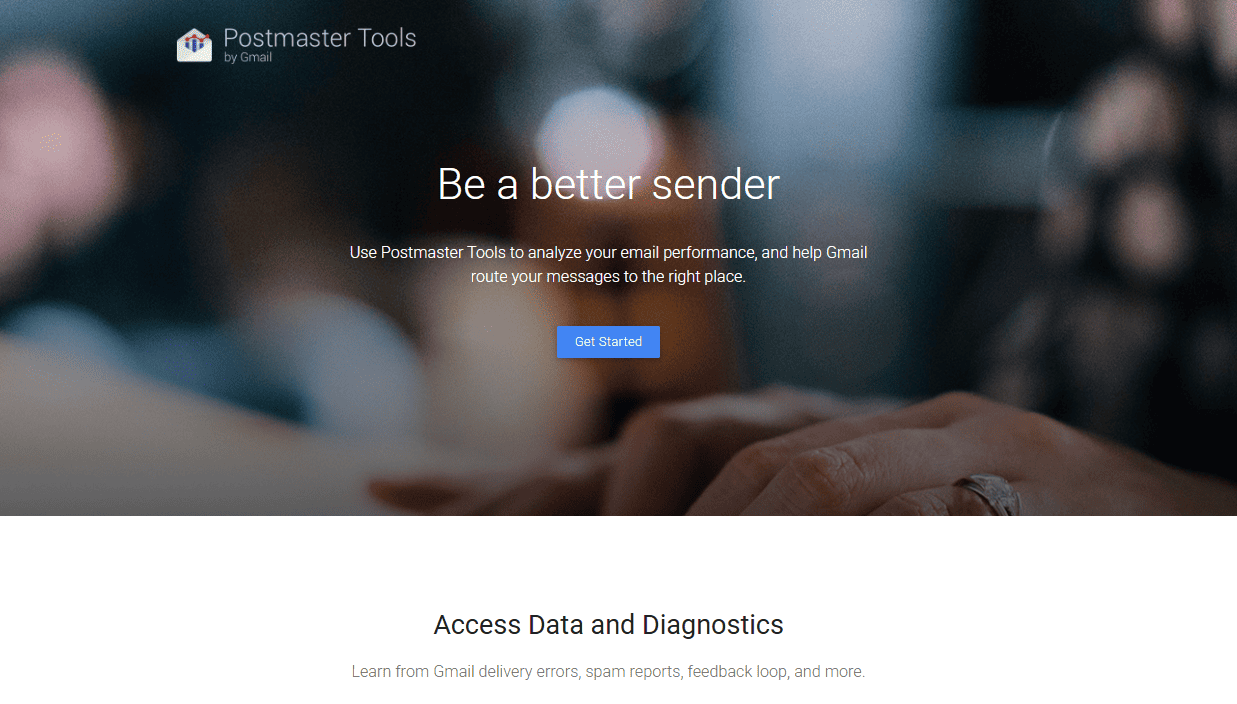
This is the most important starting point. Google Postmaster Tools is absolutely free and shows you exactly how Gmail rates your domain: Good, Medium, Low, or Bad. It also shows data on spam complaint rates, authentication pass rates, and delivery errors.
To set it up, go to postmaster.google.com, add your domain, and verify ownership by adding a TXT record to your DNS settings. Now keep in mind that reporting data isn't available right away and only appears once you're sending enough emails to Gmail recipients, though Google doesn't specify the minimum threshold.
Microsoft SNDS (Smart Network Data Services)
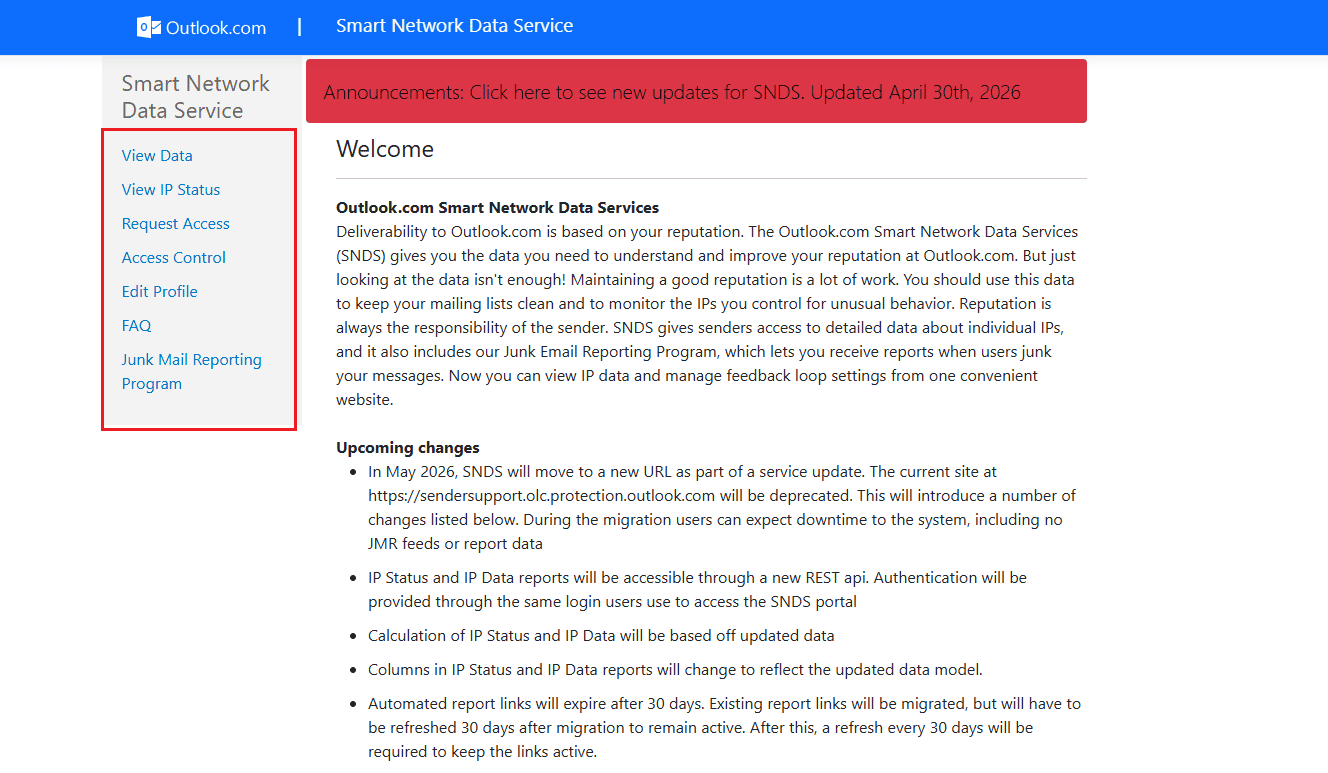
If a big portion of your list uses Outlook, Hotmail, or Live, Microsoft’s SNDS tool shows how your sending IP performs with Microsoft properties. It reports on spam trap hits and complaint rates specific to their ecosystem. This matters because Microsoft mailboxes sit at just 75.6% inbox placement with a 14.6% spam rate, making it the most challenging major deliverability environment for most senders.
Sender Score by Validity
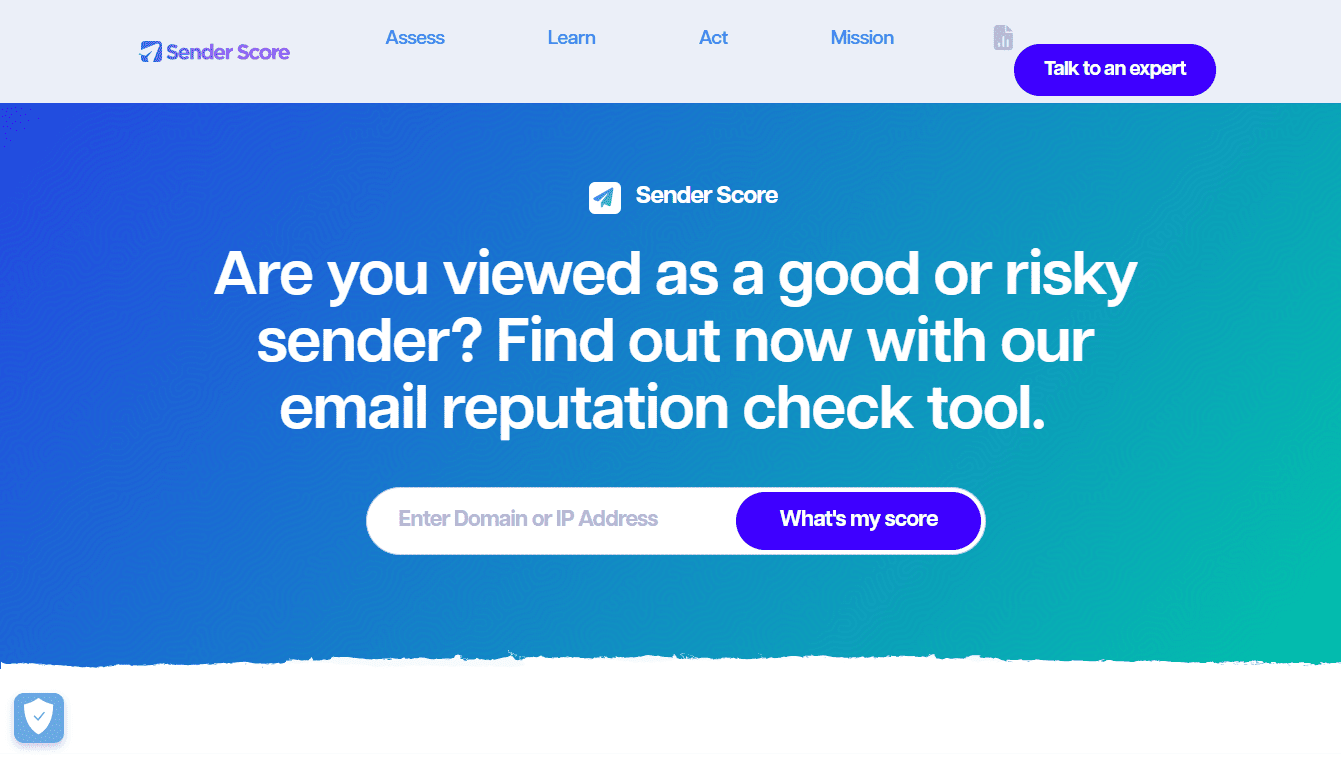
Validity’s Sender Score gives you a 0 to 100 reputation rating based on data from their network of ISP partners. A score above 80 is generally considered healthy. Anything below 70 warrants a closer look.
MXToolbox
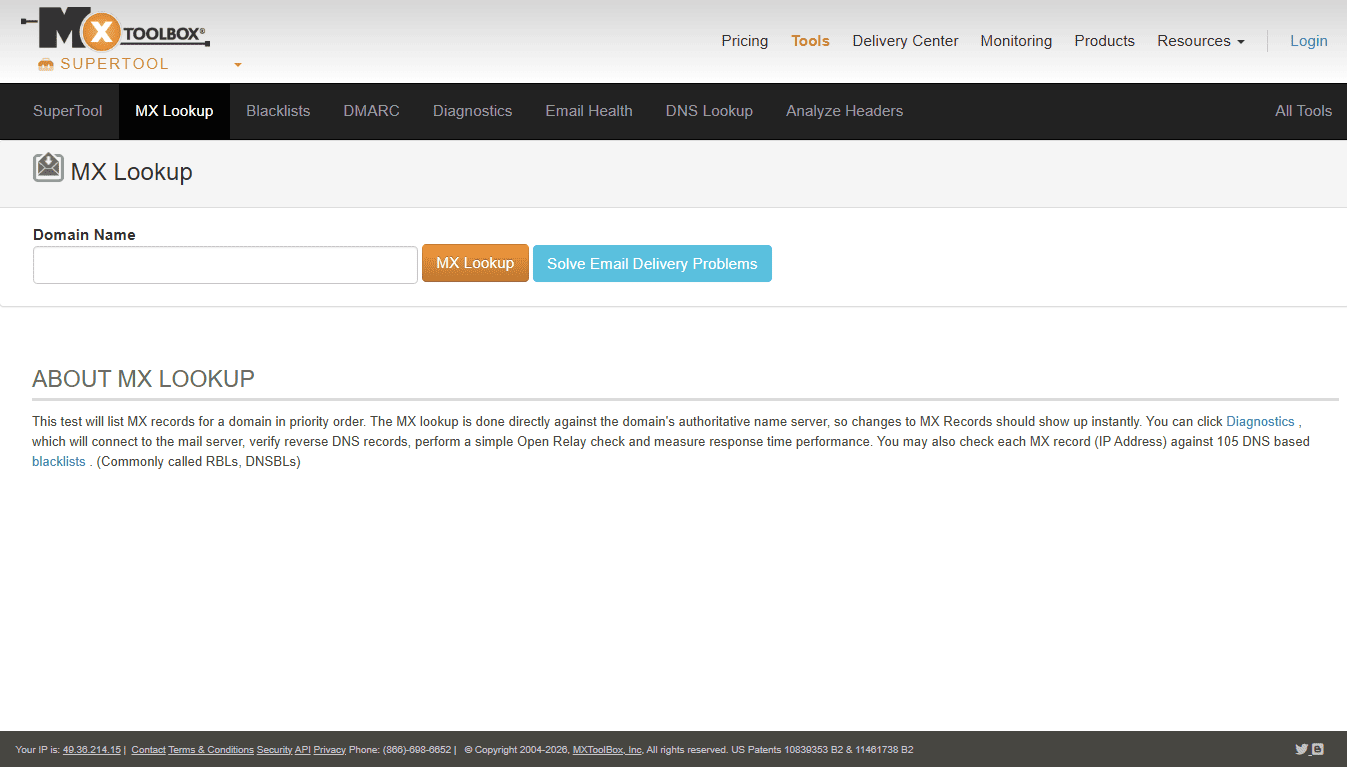
The MXtoolbox checks whether your domain or IP appears on major email blacklists. A listing on one can damage deliverability overnight.
Talos Intelligence by Cisco
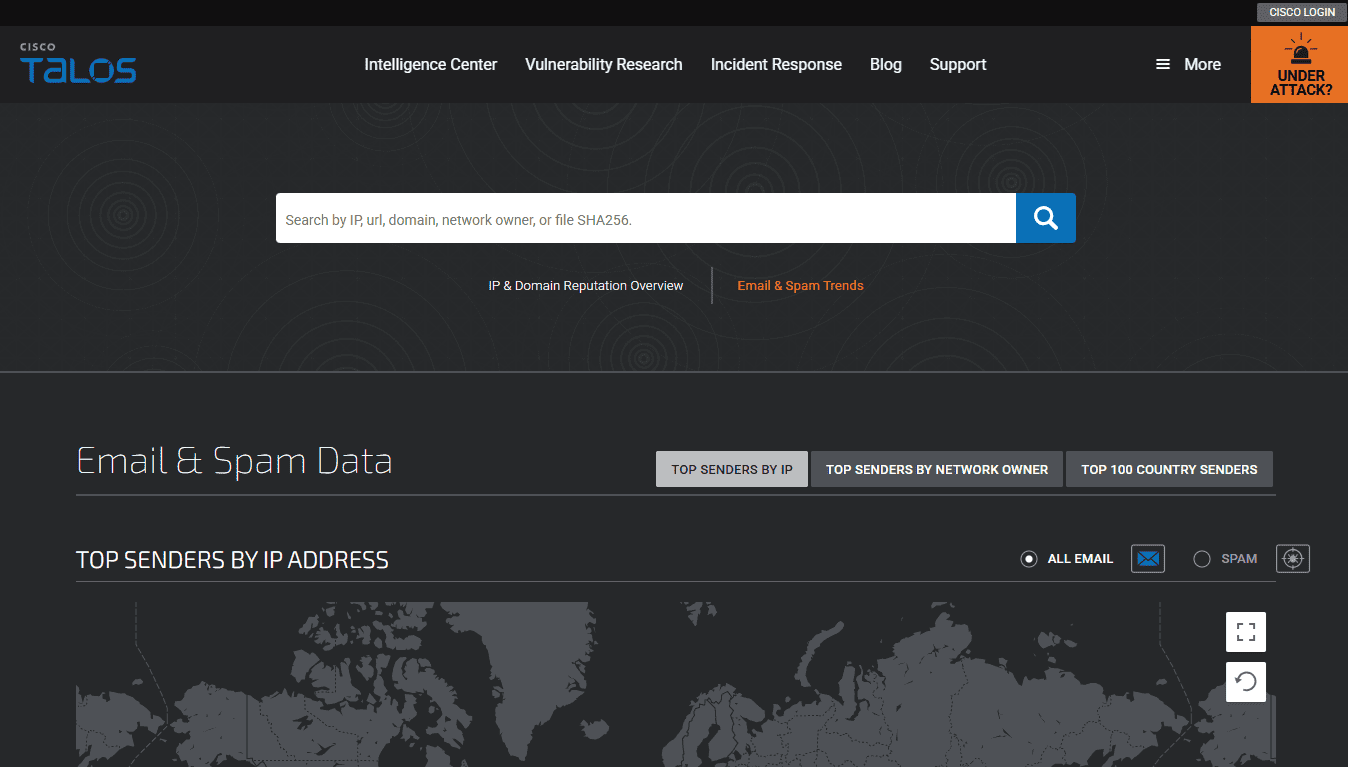
This domain reputation checker assigns your domain and IP a reputation of Good, Neutral, or Poor. Since Talos data feeds into Cisco’s email security products used across many enterprise environments, this check is particularly valuable if you are sending it to business contacts.
Barracuda Central
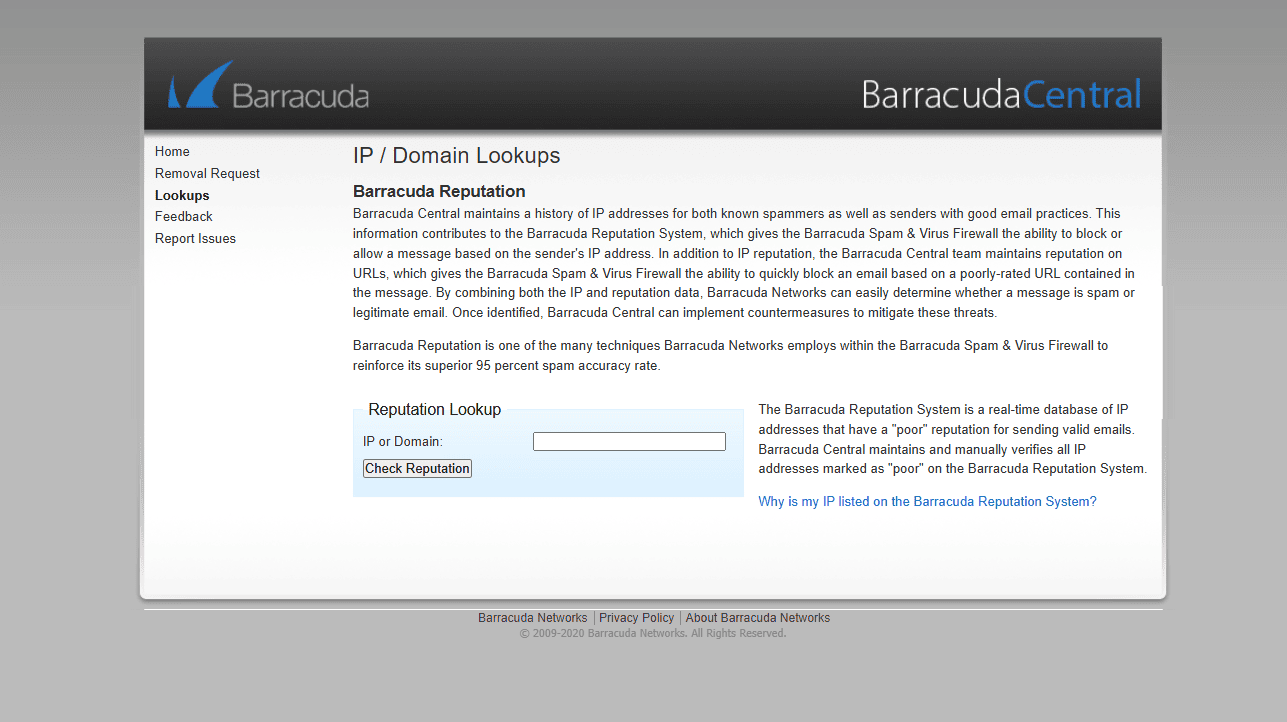
This special tool offers its own reputation lookup and blacklist checker. It helps you spot whether you have been flagged by Barracuda’s security systems, which are widely deployed in corporate email environments.
Running all of these checks together gives you a complete picture of how the email ecosystem views your domain.
How to Check Email Domain Reputation: What to Look For
When you pull up your results across all these tools, not every number carries equal weight. Here is what you actually need to look for.
Google Postmaster Tools:
- A “Good” rating means Gmail trusts your domain and is delivering your mail normally.
- “Medium” is a yellow flag. It is not urgent, but something needs attention.
- “Low” or “Bad” requires immediate action. Pause high-volume campaigns until you find the cause for this low rating.
Sender Score by Validity:
- Scores in the 80s and 90s indicate a healthy reputation with most ISP partners.
- Between 70 and 79 is slipping. You need to investigate engagement rates and bounce handling.
- Below 70 is a clear problem. Your email deliverability is likely already being affected.
MXToolbox and Barracuda Central:
- Any blacklist listing should be addressed, even minor ones.
- A Spamhaus listing is the most serious outcome. Spamhaus data is used by nearly every major provider globally, and a listing there can block your emails across the board.
- Request delisting only after the root cause is fixed. Repeated delistings without a fix will lead to permanent blocks. So be very careful while fixing the issues.
How to Improve Domain Reputation
Many people have the same question: Why does reputation decline if you are sending to people who genuinely signed up?
The answer is almost always list hygiene and engagement decay. Research indicates that B2B email lists decay at roughly 22 to 30% per year. A list that was clean in January can be significantly degraded by summer.
Here is a practical way to improve your score.
Set up proper email authentication first.
Before anything else, confirm that SPF, DKIM, and DMARC records are correctly configured on your domain. This is the baseline. Without them, your emails cannot be verified as legitimate, and your reputation suffers regardless of what else you do.
Remove ALL unengaged subscribers.
Someone who has not opened a single email in 12 months is not just a wasted send; they actively work against you. Low engagement signals to mailbox providers that your emails are not wanted. Set a re-engagement window and remove contacts who do not respond to a final re-engagement campaign.
Make unsubscribing easy.
If people cannot find the unsubscribe link quickly, they will click “mark as spam” instead. Google and Yahoo have required a one-click unsubscribe for bulk senders since 2024. The difference between an unsubscribe and a spam complaint is huge for your reputation.
Warm up new domains and IPs gradually.
Starting fresh on a new domain or IP requires patience. Begin with a few hundred emails per day to your most engaged contacts, then scale slowly over four to six weeks. This process (known as IP warming) builds a sending history that mailbox providers can evaluate before you go full volume.
Keep hard bounces in check.
Remove hard bounces immediately after they occur and run your list through an email verification service periodically to catch invalid addresses early.
Send on a consistent schedule.
Unpredictable volume spikes look suspicious to filtering systems even when the content is entirely legitimate. Maintain your posting rhythm rather than going dark for two months and then blasting your full list.
Use double opt-in for new subscribers.
Countries that require double opt-in achieve more than six percentage points higher inbox placement than single opt-in markets, according to deliverability research. A confirmed opt-in list is a cleaner list with lower complaint rates by default.
How Long Does It Take to Rebuild Domain Reputation?
Now, another common question we’ve seen people asking: Can you fix a damaged domain reputation quickly?
Unfortunately, the answer is no. Depending on how much your reputation has dropped, recovery can take anywhere from a few weeks to several months.
The best way to recover is to slow down your email sending, focus on the people who regularly open and interact with your emails, and avoid anything that could trigger spam filters. That means keeping spam complaints and bounced emails as low as possible. In some cases, senders start seeing better inbox placement within a few weeks, but if the damage is significant, the process can take much longer.
This is why it's much easier to maintain a good domain reputation than to repair a bad one. Once your domain reputation takes a hit, getting emails back into the inbox becomes harder. Rebuilding trust takes time, but losing it can happen much faster.
Conclusion
Domain reputation isn't something you check once and never think about again. It plays a big role in whether your emails reach the inbox or end up being ignored by email providers.
The good news is that checking your domain reputation is free and doesn't take much time. With the tools covered in this guide, you can get a clear picture of how email providers view your domain and spot potential issues before they become bigger problems.
If your reputation looks strong, set a monthly reminder to check again. If something looks off, you now have a clear map of where to start fixing it.
At the end of the day, even the best email campaign won't get results if people never see it. That's why keeping an eye on your domain reputation is important.
Domain Reputation FAQs
How does email domain reputation work?
Email providers look at how people interact with messages from your domain, including opens, clicks, spam reports, and deletes. Based on those signals, they build a reputation score that helps determine whether future emails reach the inbox or get filtered. This reputation is tied to your domain, not your email service provider.
How is domain reputation calculated?
No provider shares its exact formula, but common factors include spam complaints, engagement (opens, clicks, replies), hard bounces, spam trap hits, sending patterns, and whether SPF, DKIM, and DMARC are set up correctly. Since every provider uses its own criteria, your reputation may differ between Gmail, Outlook, and Yahoo.
How to check domain reputation?
You can check domain reputation using special tools. As no single tool shows the full picture, it's best to use many of them together:
- Google Postmaster Tools for Gmail
- Microsoft SNDS for Outlook and Hotmail
- MXToolbox for blacklist checks
- Sender Score for a reputation score from 0 to 100
- Talos Intelligence for additional reputation insights
What are the best domain reputation checker tools?
Google Postmaster Tools, Sender Score, Microsoft SNDS, and Talos Intelligence are among the most commonly used domain reputation checkers.
How to improve a bad domain reputation?
Start by making sure SPF, DKIM, and DMARC are configured correctly. Then focus on sending emails to engaged subscribers, keep spam complaints low, and reduce sending volume while your reputation is recovering. As for time, recovery can take anywhere from a few weeks to several months, depending on the type of issue you face.
How to increase your domain reputation?
Send emails regularly, use double opt-in where possible, remove invalid addresses quickly, and make it easy for people to unsubscribe (yes, you read that right). Most importantly, send emails that your audience actually wants to receive and check your reputation regularly so you can spot problems early.