 DomCop
Picking a domain name sounds simple until you start researching keywords for domain names and find a pile of contradicting advice. One article says a keyword in your domain will boost your rankings. The next says it does nothing. You end up more confused than when you started.
In the past, keywords for domain names were one of the easiest ways to rank a new site fast on search engines. Google noticed that many people were abusing this and changed its algorithm back in 2012. Since then, the value of domain keywords has dropped a lot, but it has not disappeared completely. Keywords still shape how people click your link, understand your site, and remember your brand.
This guide breaks down exactly where keywords still matter and where they do not. You will learn what counts as a keyword domain, what Google has said about this directly, how to research and choose keywords step by step, and which keywords, including AI-related ones, are popular right now.
What Is a Keyword Domain?
A keyword domain is a domain name that includes a word people commonly search for. The word usually describes what your business does, what you sell, or who you serve. If you run a plumbing business in Chicago, chicagoplumbing.com is a keyword domain. If you sell cheap iPhone cases, cheapiphonecase.com is one too. The keyword tells anyone reading the domain exactly what to expect before they even click.
This is different from a branded domain. A branded domain uses a made-up or unique name that does not describe the business at all. Nike, Google, and Etsy are branded domains. None of those words tell you what the company sells. The brand only carries meaning because the company built that meaning over time through marketing, content, and word of mouth.
Most domain names actually fall somewhere between these two extremes. A hybrid domain combines a brand name with a keyword, like BobsGuitarRepair.com or PayPal.com. You get the clarity of a keyword and the ownership of a brand at the same time. This is usually the safest place to land, and we will come back to this idea later in the guide.
Do Keywords in a Domain Actually Help SEO?
In March 2011, Matt Cutts, who led Google’s webspam team, admitted in a public video that Google had been giving too much weight to keywords in domain names. A site with the right domain could jump straight to page one, even with thin content behind it.
That changed in September 2012. Google rolled out the exact match domain update, known as the EMD update. It targeted domains that ranked only because they matched a search phrase, not because the site behind them was actually useful.
The impact was real. Google said the update touched about 0.6 percent of English-language searches in the US. One famous case was purses.org, which had outranked Amazon and Zappos for the term “purses.” Within a day of the update, it dropped from third place to thirty in seconds.
Google has repeated this stance since. In 2018, Google’s John Mueller said in a webmaster hangout that a keyword in your domain does not automatically make you rank for it. Sites with keyword domains that rank well usually earn that spot through content, not through the words in their URL.
However, not everyone agrees that the boost is fully gone. Some SEO consultants still notice a small edge for keyword domains in local or service-based niches. Domain resale data backs this up too. Domains built around words like shop, tech, or life usually sell for thousands of dollars more than random letter combinations.
So the bottom line is that a keyword on your domain is no longer a direct ranking, but it still shapes clicks, trust, and how easily people remember your site. That benefit is very much real, even without an algorithm bonus behind it.
The Real Benefits and Risks of Keyword Domains
Keyword domains are not any magic switch, but they do come with genuine upsides and clear downsides. Here is a quick look at what you’ll gain vs the risk you’ll take when you buy keywords for domain names:
What you gain:
- People understand what you do the moment they see your link.
- Search results show your keyword in the URL, which can boost your click-through rate.
- People who remember a phrase but not your brand name can often guess and type the domain directly.
- A well-chosen keyword sticks in someone’s memory longer than a random brand name.
What you risk:
- A domain stuffed with too many keywords looks spammy and untrustworthy.
- You lock your business into one narrow keyword, which makes it hard to expand later.
- Buying several keyword domains and pointing them all at one site can create duplicate content, which hurts your rankings instead of helping them.
- A keyword that overlaps with another company’s trademark can lead to legal trouble.
How to Find the Right Keywords for Your Domain Name
Finding the right keyword takes more than guessing. Follow these steps in order.
1. Know who you are selling to.
Before you touch any tool, write down who your target audience is and what they would type into Google when looking for you. If you skip this step, you will end up with a domain that tries to please everyone and ends up being forgettable.
2. Brainstorm seed keywords.
List ten to fifteen words that describe your product, service, or niche. Do not filter yourself yet. Just get the raw list down.
3. Check real search volume with Google.
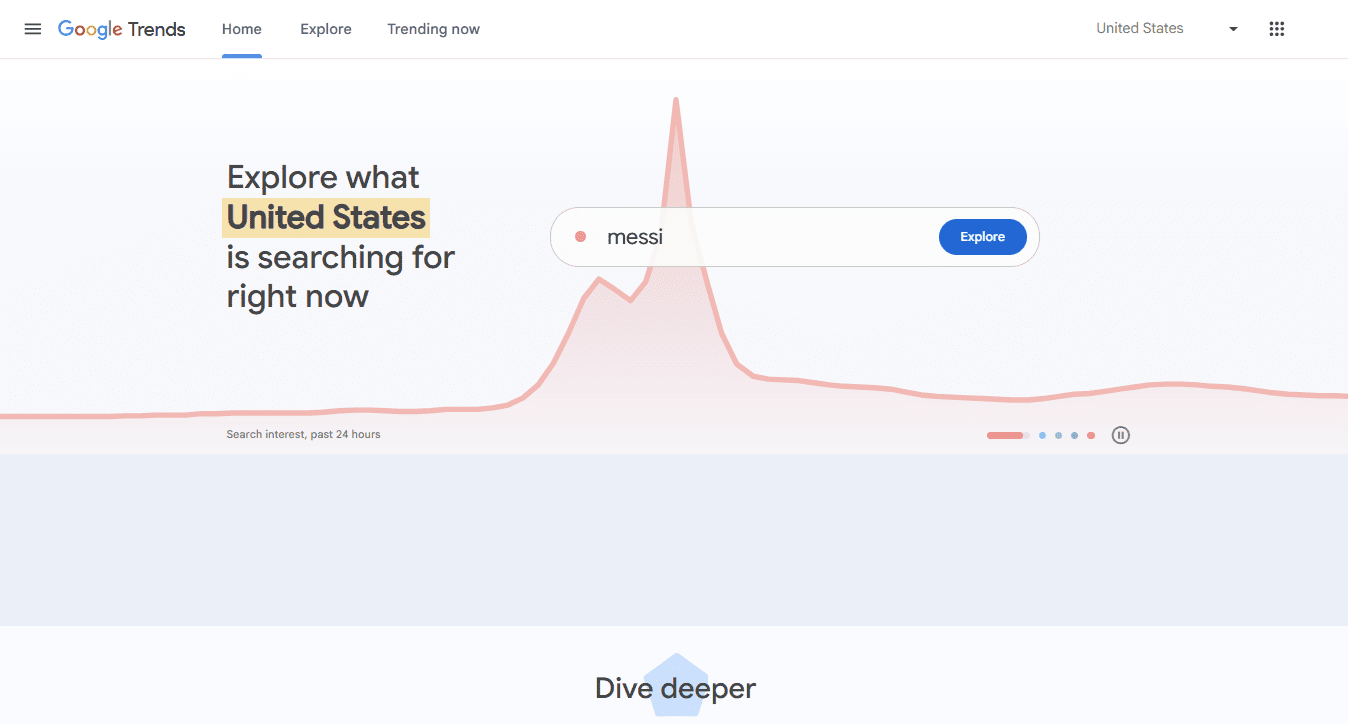
Open Google Keyword Planner inside a free Google Ads account and type in your seed words. It will show you how many people search each term every month. Then check Google Trends to see if interest in that term is rising or falling over time, and in which regions.
4. Dig deeper with a proper SEO tool.
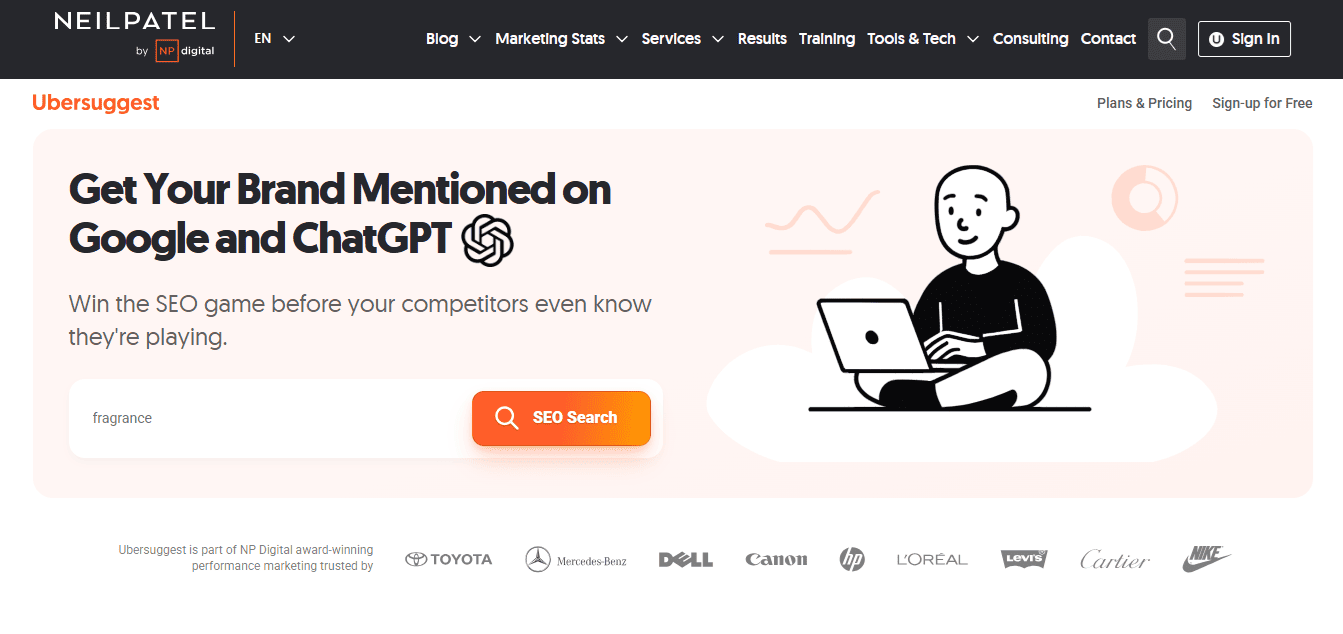
Tools like Ahrefs Keywords Explorer show you search difficulty and related terms you may have missed. Free tools like Ubersuggest work fine if you are just starting out and do not want to pay yet.
5. Score each candidate.
Rate every keyword option from one to five on four things: how relevant it is to your business, how much people search for it, how easy it is to brand, and whether a matching domain is even available. Drop anything that scores low across the board.
6. Run a trademark check.
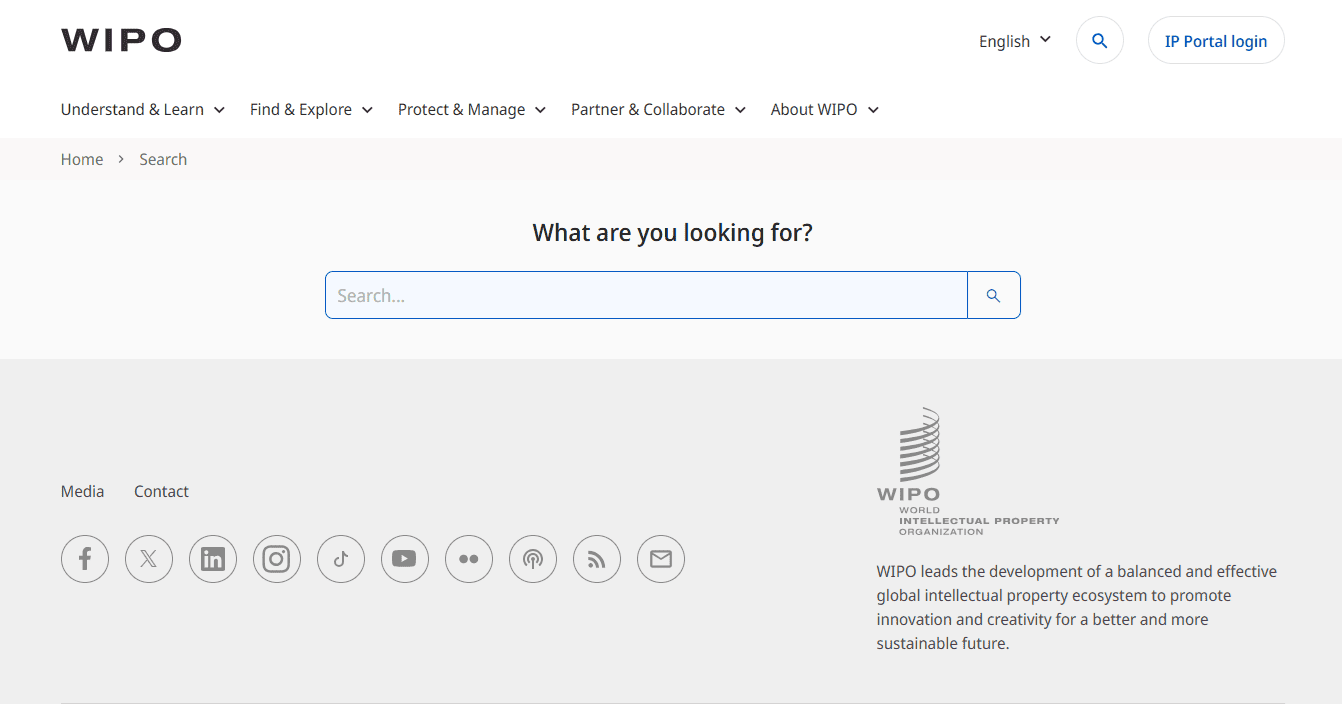
Search your final pick on a database like the WIPO Global Brand Database before you buy anything. A great keyword is worthless if it gets you sued. So check for trademarks using this free tool.
How to Balance Keywords With Brand Identity
A domain packed only with keywords can box you in. For example, if you start at bestyogamatsonline.com and later want to sell yoga clothes too, your own domain name works against you.
This is why most successful hybrid domains pair a real brand with one clear keyword, like Grubhub or PayPal. You get instant clarity plus a name people can actually remember and trust as you grow.
Quick test: say your domain out loud to a friend. If it sounds like a business name, you are on the right track. If it sounds like a search query, it might be too narrow.
This balance is even more important today. As more people use AI tools to find brands instead of traditional search engines like Google, having a unique brand name makes it easier for those AI tools to identify and recommend your business.
Popular and Trending Keywords for Domain Names Right Now
Picking a keyword for a domain name gets super easy once you see what already works for other businesses. According to DotDB’s 2026 Top Keywords Report, cloud appears in more than 800 domain extensions, while online, shop, smart, and data each appear in well over 650 extensions. These words show up again and again because they’re easy to understand and work well for a wide range of websites.
Here is a breakdown of popular keywords by category, with a sample naming style for each:
| Category | Popular Keywords | Example Domain Idea |
| Tech and SaaS | cloud, data, smart, digital | clouddata.io, smartstack.com |
| E-commerce and Retail | shop, store, buy, market | myshopstore.com, buygear.com |
| Home and Real Estate | home, realestate, property | smarthome.com, cityrealestate.com |
| Health and Wellness | health, wellness, bio, longevity | digitalhealth.com, biolongevity.com |
| Finance and Insurance | finance, capital, pay, insurance | cloudpay.com, microinsurance.com |
| News and Media | news, media, daily | dailynews.com, techmedia.com |
| Travel and Hospitality | travel, hotel, stay | citytravel.com, stayhotel.com |
One more tip: pairing two of these words together, like smart and home, digital and health, or cloud and pay, is one of the easiest ways to build a domain that sounds specific and still feels modern.
Wellness-related words like bio and longevity are also climbing fast right now, as more health businesses launch online. And nothing is moving faster than keywords tied to AI, which we break down in our next section.
Popular AI Keywords for Domain Names
AI-related domains are having a big moment. The .ai extension alone has already crossed one million registrations, and almost a third of the top domain sales in 2025 used .ai, with some selling for over one hundred thousand dollars each.
Here are the keyword roots leading this trend, along with real companies already using them:
| Keyword Root | Real Examples |
| ai | claude.ai, character.ai, perplexity.ai, stability.ai |
| labs | labs.google, elevenlabs.io |
| bot | chatbot.com, botpress.com |
| ml | runwayml.com |
| copilot | copilot.microsoft.com |
Notice how most of these brands still lead with a real word or a made-up name, then add the keyword as support. That combination reads as a company, not just a search term.
Be careful with generic combinations like “aitools” or “myai.” Thousands of people had the same idea, which means more competition and a higher chance of bumping into someone else’s trademark.
For the extension itself, .ai signals cutting-edge tech instantly, .io works well for any startup, and .com still wins on trust if you can find a good one.
Don’t Confuse Domain Rating With Keyword Strategy
Domain Rating, or DR, is a metric built by Ahrefs. It scores a website from 0 to 100 based on the strength of its backlink profile, meaning how many sites link to it and how authoritative those linking sites are.
That’s all it measures. DR says nothing about the keyword in your domain, what the site is about, or whether it ranks for any specific term. A domain like xq7vlm.com can carry a DR of 60 if enough strong sites link to it. A domain like bestcoffeebeans.com can sit at DR 0 if nobody has linked to it yet.
This is where people get tripped up. Someone finds an “aged” domain for sale with a great keyword and a high DR, and assumes the DR means built-in ranking power for that keyword. It doesn’t. Authority and keyword relevance are separate things, and a high DR with zero topical relevance is often worth very little.
Here’s how to check it properly before you buy:
- Enter the domain into Ahrefs’ free backlink checker or Keywords Explorer.
- Check the headline DR number, then open the backlink profile and check where the links actually come from.
- See the anchor text on those backlinks. If the domain is about pet food but the links use anchor text about car insurance, that mismatch can hurt more than the DR number helps.
- Use the Wayback Machine to see what the domain used to host. A history of thin spam or link-farm content can taint the backlink profile, regardless of the score.
- Cross-check with a second source, such as Moz’s Domain Authority, since each tool weights things slightly differently.
This is also where a dedicated expired-domain platform earns its place in your process. Manually running every aged domain you’re considering through five separate checks doesn’t scale once you’re comparing more than a handful of options.
Tools like DomCop pull DR, Trust Flow, Citation Flow, backlink counts, and spam signals into one filterable database, so you can screen out domains with toxic link histories before you ever click into Ahrefs.
If you’re shopping for keyword-rich expired domains specifically, that pre-filtering step saves the kind of time the manual five-step version above eats up one domain at a time.
List of Tools You Need For Finding Keywords for Domain Names
Here’s a quick comparison of the tools mentioned throughout this guide, so you know which one to reach for and when.
| Tool | Best For | Free or Paid |
| Google Keyword Planner | Checking raw monthly search volume for seed keywords | Free with a Google Ads account |
| Google Trends | Seeing whether interest in a keyword is rising, falling, or seasonal, and by region | Free |
| Ahrefs Keywords Explorer | Search difficulty, related terms, and competitor keyword gaps | Paid (limited free searches) |
| Moz Keyword Explorer / Domain Authority | Keyword research plus an alternative authority score to cross-check Ahrefs DR | Paid (limited free searches) |
| Ubersuggest | Beginner-friendly keyword and content ideas | Free tier available, paid for more |
| WIPO Global Brand Database | Checking whether your keyword pick conflicts with an existing trademark | Free |
| NameBio | Researching what similar keyword domains have actually sold for | Free |
| DomCop | Finding expired/aged keyword domains by DR, Trust Flow, backlink quality, and spam signals in one place | Paid |
Conclusion
Keywords in a domain no longer carry direct ranking power, but they still shape clicks, trust, and how well people remember your site. The best approach is not chasing exact-match domains stuffed with search terms but pairing one clear keyword with a real brand name, backed by proper search volume and trademark checks.
If you’re evaluating an aged domain, keep its backlink authority and its keyword relevance as separate questions since one doesn’t guarantee the other. Get all fundamentals right, and your domain becomes an asset that supports your SEO instead of one you’re hoping will do the heavy lifting on its own.
Keywords for Domain Names FAQs
Do keywords in a domain still help SEO?
Not directly. Google has confirmed that a keyword alone doesn’t boost rankings. It still helps click-through rate and brand recall, since people can see the topic right in the URL.
Are exact match domains penalized?
Not automatically. The 2012 EMD update targeted exact match domains ranking on thin content. Strong, original content behind a keyword domain has nothing to fear.
How many keywords is too many?
One clear keyword paired with a brand name or one supporting word is the practical ceiling. Three or more strung together starts looking spammy.
Should I buy and redirect multiple keyword domains to one site?
Generally no, for SEO purposes specifically. It doesn’t compound your relevance for those terms, and it can create duplicate content issues. It’s fine to register obvious misspellings or other extensions of your own brand for defensive reasons, but don’t expect ranking gains from owning multiple keyword domains pointed at one site.
Is .com still better than .ai or .io?
For broad trust and recall, yes. .ai carries a strong signal in AI and tech specifically, and .io is well accepted among startups and developers. The extension itself isn’t a major ranking factor either way.